


 Hatch Embroidery Digitizer
 Hatch Embroidery Composer
 Hatch Embroidery Personalizer
 Hatch Embroidery Organizer
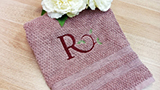





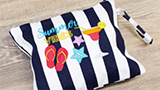
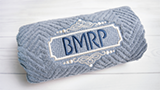




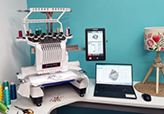
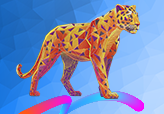


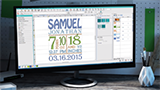



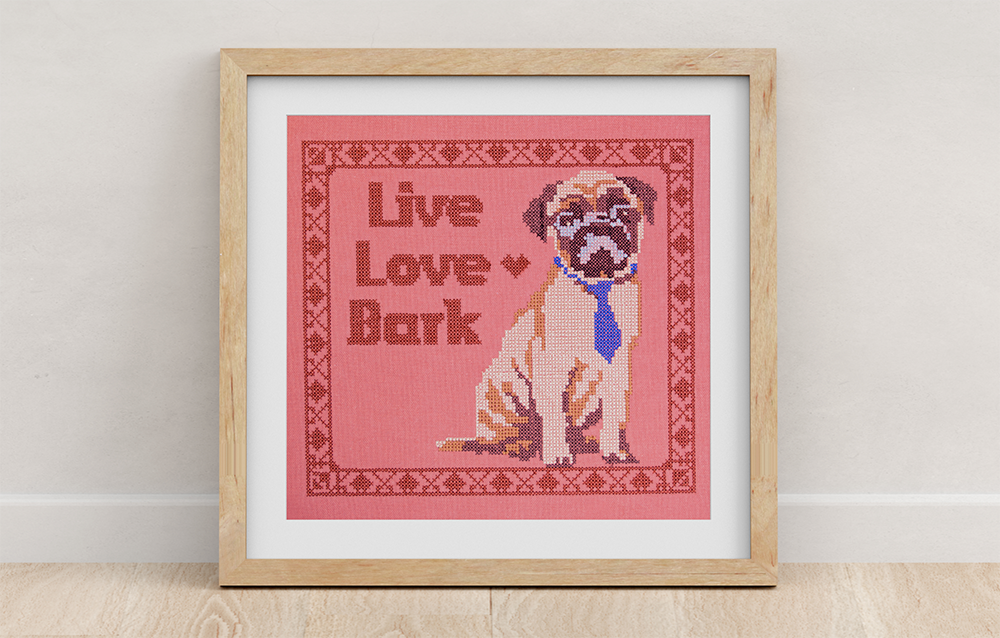


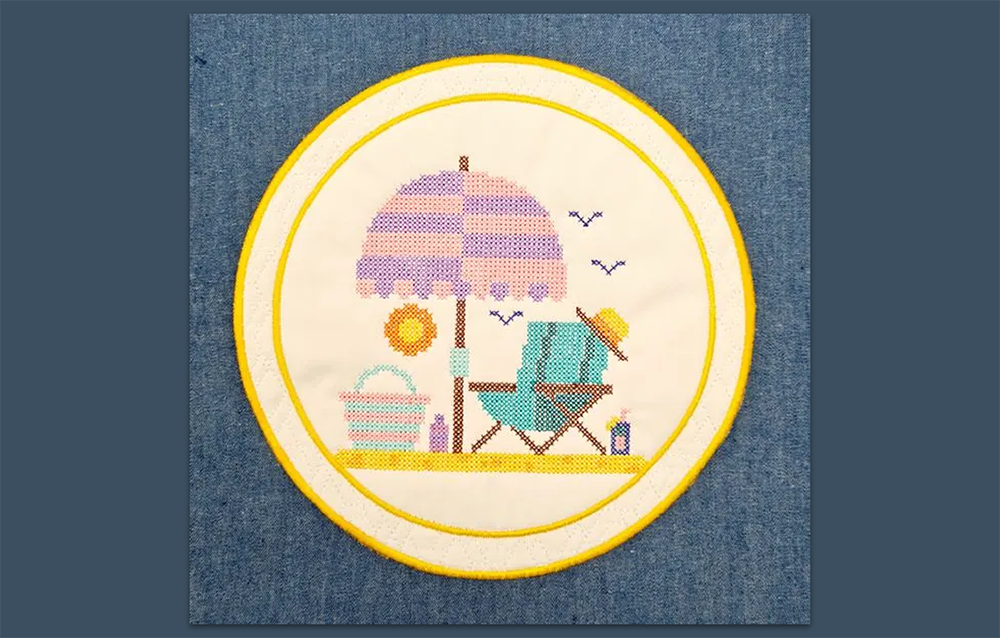


- Create one-of-a-kind embroidery designs that look like hand cross-stitch. Create your own designs or import your own artwork. One-click to auto fill or place each cross, just like in handwork! Add it to your Hatch Digitizer as an optional add-on GEM
- *All prices exclude applicable taxes
-
 30-Day Money-Back Guarantee
Machine embroidery that looks like
hand cross-stitch.
Cross Stitch GEM adds a dedicated cross-stitch design environment directly to Hatch Digitizer. Create your own designs, import artwork to auto-fill, and produce results that are indistinguishable from handwork.
- Create designs from scratch or import your own artwork
- One-click auto-fill or place each cross by hand, just like handwork
- 10 cross-stitch types that look exactly like hand-stitched results
- Combine with regular embroidery for layered, mixed-stitch designs
Everything you need to create beautiful cross stitch
Cross Stitch GEM is a dedicated design environment for creating machine embroidery that looks like hand cross-stitch. Use it standalone, then import your finished designs into Hatch to convert and stitch out.
Auto-fill from artwork
Import your own drawings, photos, or existing cross-stitch patterns and convert them to cross-stitch designs with a single click. The tools handle color separation and fill automatically.
Hand-stitch digitizing tools
Digitize cross-stitch designs stitch by stitch using tools designed for how cross-stitch actually works. Freehand shapes, solid fills, pencil tool - just like digitizing in Hatch, but purpose-built for cross-stitch.
10 authentic stitch types
Choose from 10 different cross-stitch types that replicate the look of real handwork - from standard full crosses to quarter stitches, three-quarter stitches, and specialty variations.
TrueType lettering
Add cross-stitch lettering directly on screen using any TrueType font installed on your computer. Letters are automatically converted to cross-stitch-style characters.
Seamless Hatch integration
Cross Stitch GEM saves your designs as .EMX files that open directly in Hatch. Convert to any embroidery machine format, combine with regular embroidery, and stitch out.
Combine with embroidery
Import your finished cross-stitch designs into Hatch and combine them with regular embroidery elements - lettering, fills, decorative stitching - to build complex mixed-technique designs.
Watch Cross Stitch GEM at work
See how easy it is to create stunning cross-stitch designs - from importing artwork through to the finished stitch-out.
Transform any image into cross-stitch
Transform your own drawing, buy an existing hand cross-stitch pattern, or create one from scratch. The tools make it easy to produce hand cross-stitch-looking embroidery that your machine can stitch.
- Import your own artwork - photos, drawings, scanned patterns
- Auto-fill generates cross-stitch design from the image automatically
- Intelligent color handling maps to thread-suitable palettes
- Use the result as a starting point and refine stitch by stitch
Digitize your own designs from scratch
Many of the digitizing tools will feel familiar if you already use Hatch. Digitize shapes, fill solid colors, or use the pencil to add one stitch at a time - the way real cross-stitch is worked by hand.
- Digitize your own shapes with familiar Hatch-style tools
- Fill solid color areas automatically
- Pencil tool for placing individual stitches by hand
- Save as .EMX, open directly in Hatch, and convert for your machine
Add cross-stitch lettering in seconds
Use any TrueType font installed on your computer to create cross-stitch letters directly on screen. Cross Stitch GEM converts them to authentic-looking hand-stitch characters instantly.
- Works with any TrueType font on your system
- Letters convert automatically to cross-stitch style
- Combine with filled design areas for complete compositions
- Perfect for personalised gifts, samplers, and custom lettering projects
10 stitch types that look like genuine handwork
Choose from 10 cross-stitch varieties - each one designed to replicate a specific hand-stitch technique. They look just like you would do by hand.
From design to stitch-out in Hatch
Cross Stitch GEM creates .EMX files which open directly in Hatch Embroidery. From there, convert to any machine format, combine your cross-stitch with regular embroidery elements, and send to your machine.
- Save as .EMX and open directly in Hatch Digitizer
- Convert to any embroidery machine format supported by Hatch
- Add regular embroidery elements - lettering, borders, fill areas
- Mix cross-stitch and standard embroidery in a single design
- Send directly to your embroidery machine from Hatch
Designs by our community
Real designs created by Hatch customers using Cross Stitch GEM. Click any image to view it larger.
Questions?
answered.
Start here if you need help:
- Browse the FAQs on this page
- Visit the Hatch Help Center
- Submit a support ticket
Our support team typically replies within one business day.
Machine embroidery that looks like hand cross-stitch.
Add Cross Stitch GEM to your Hatch Digitizer and create stunning cross-stitch designs with the speed and precision of machine embroidery.
All prices exclude applicable taxes. Compatible with Hatch Digitizer only.