
 Hatch Embroidery Digitizer
 Hatch Embroidery Composer
 Hatch Embroidery Personalizer
 Hatch Embroidery Organizer





















Categories
10 Ways to Get Help When Using Hatch Embroidery

Table of Contents
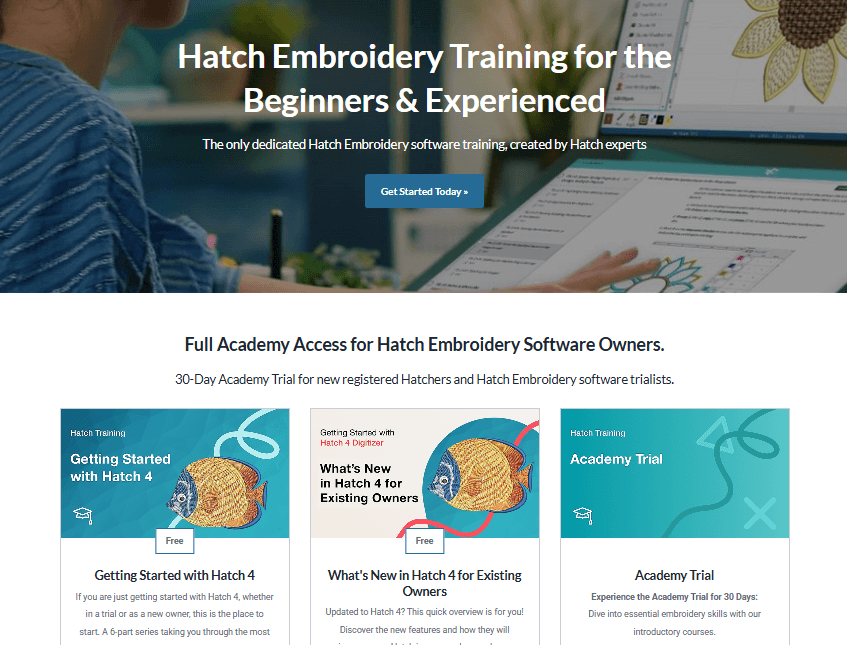
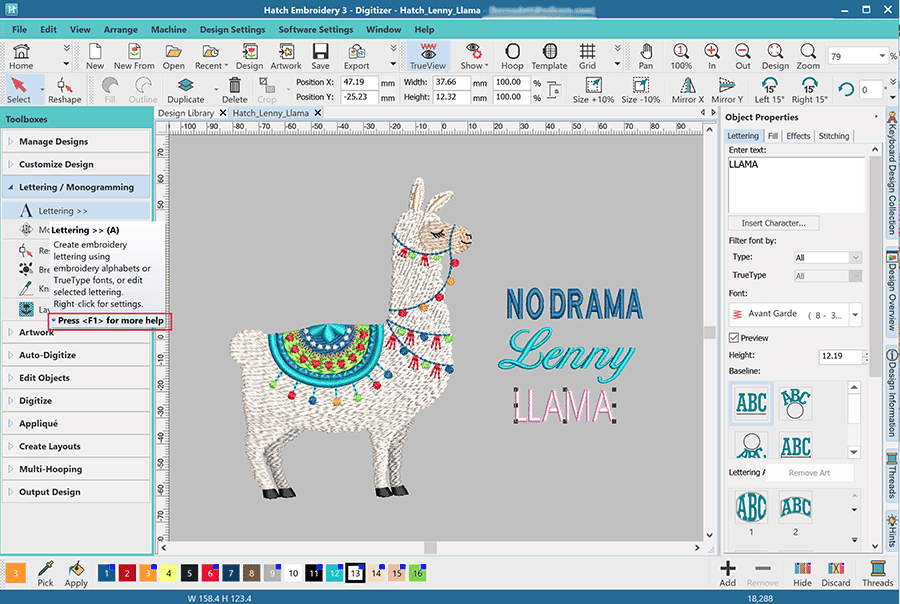
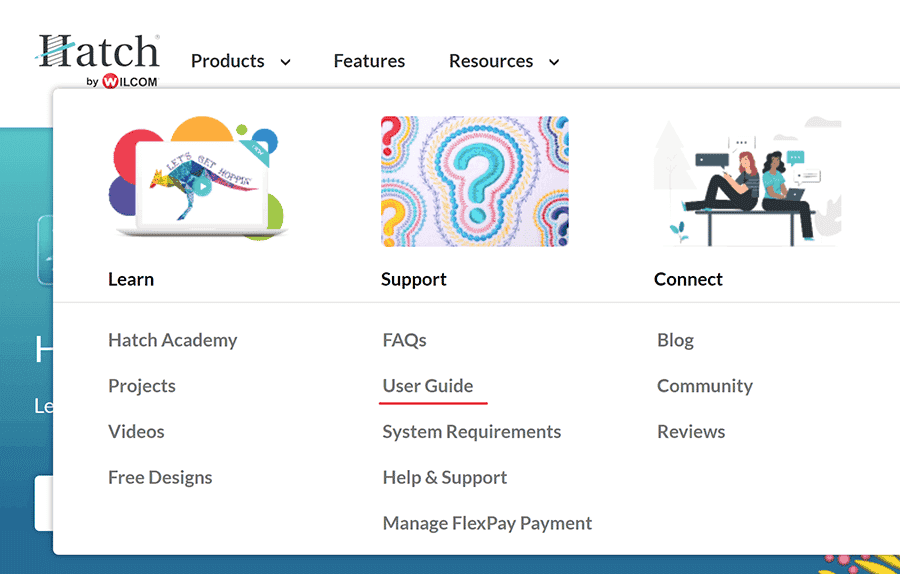
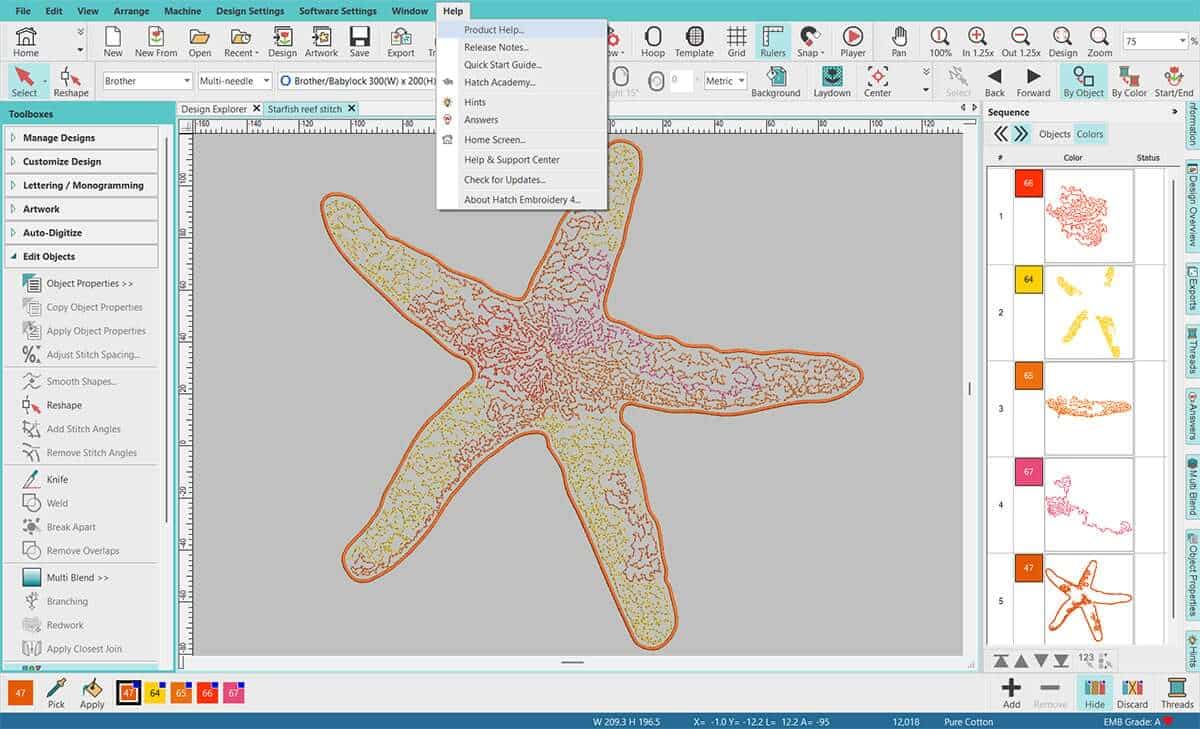
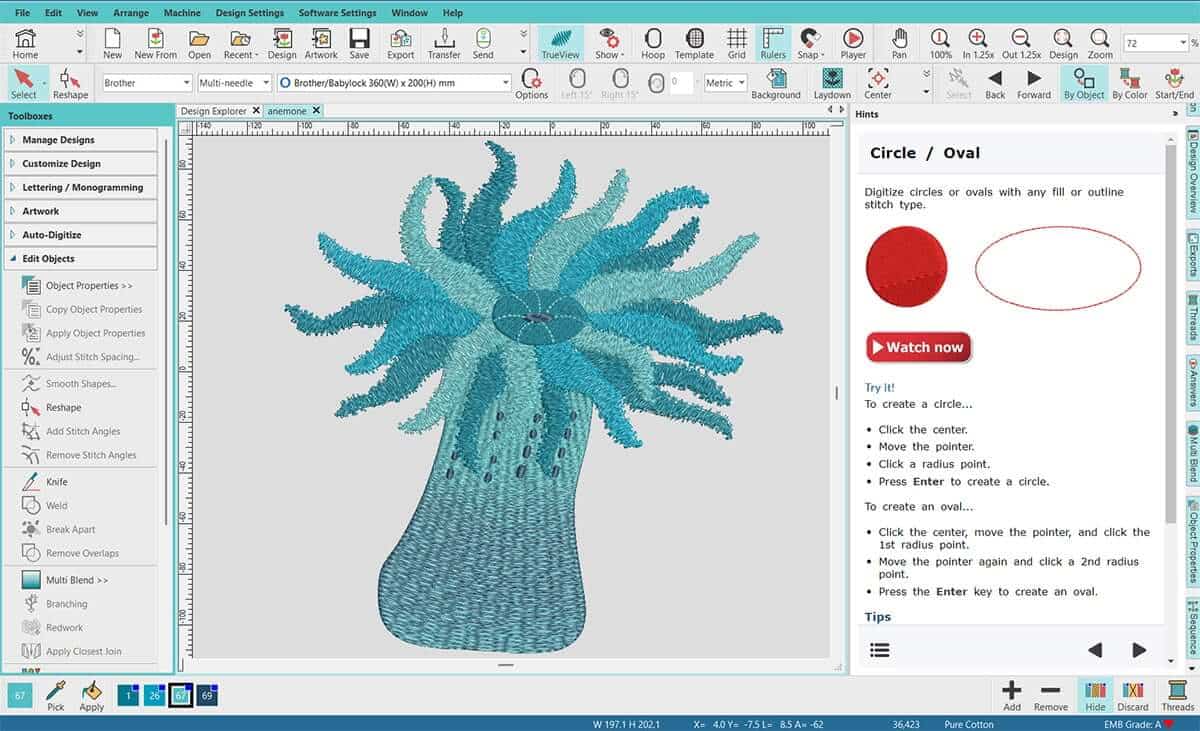
You can also access it from within the Hatch Embroidery software: Help > Product Help
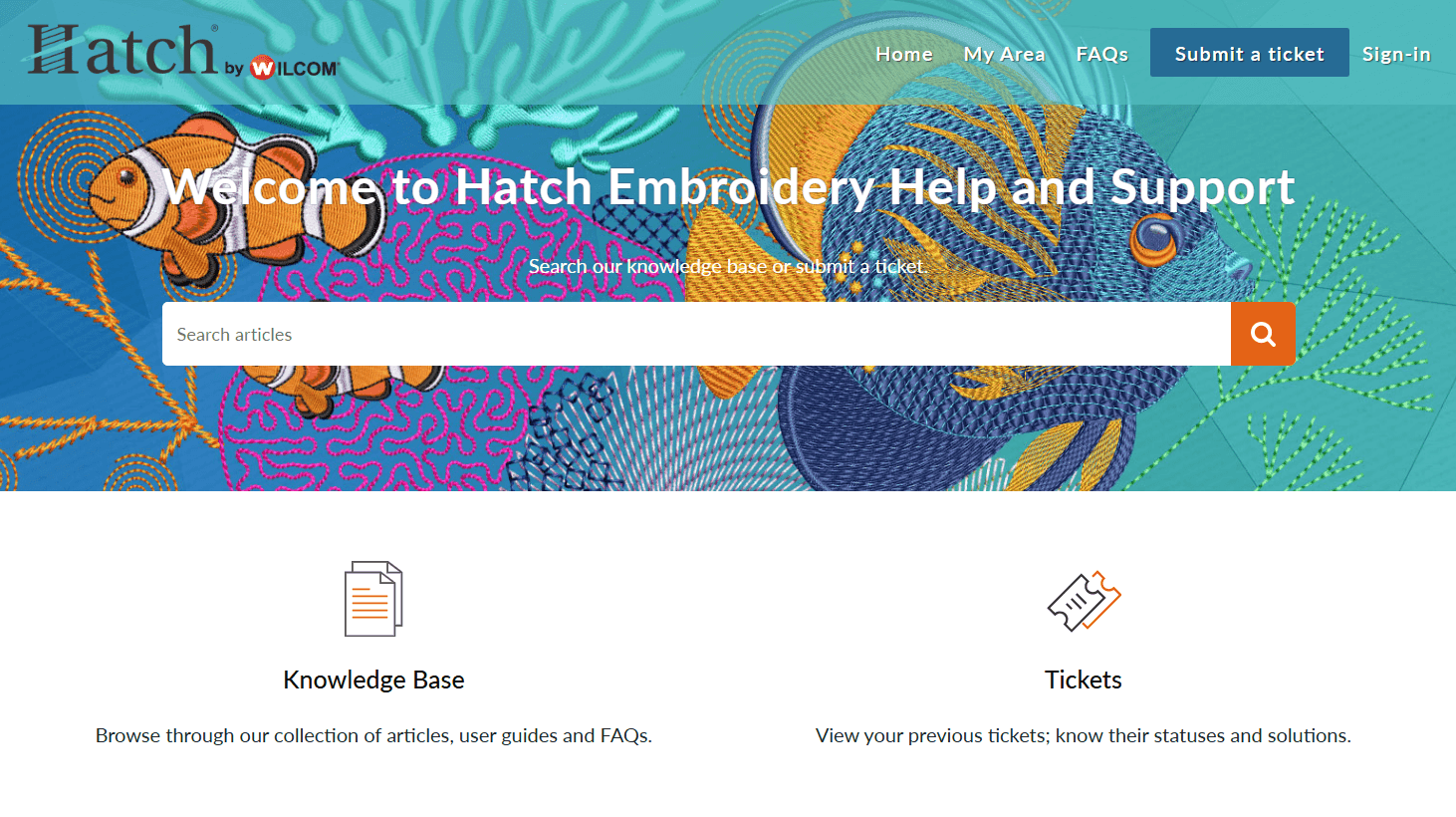
If you do not want to wait and need an answer to your question straight away, you can have a look at the FAQ section on our dedicated Help & Support site. We collected several questions that often get asked and provided answers for quick help.
We also created a page dedicated to frequently asked question about the new Hatch Embroidery 4.
Join our Hatch Users Facebook group, share your experiences and designs, and connect with other Hatchers. If you need advice fast, someone is always online to help you. All these group members are asked a few questions before joining to ensure it remains a friendly and helpful space.
We publish new articles on our blog regularly with relevant and informative content. Make sure to check back often.
AI Answers
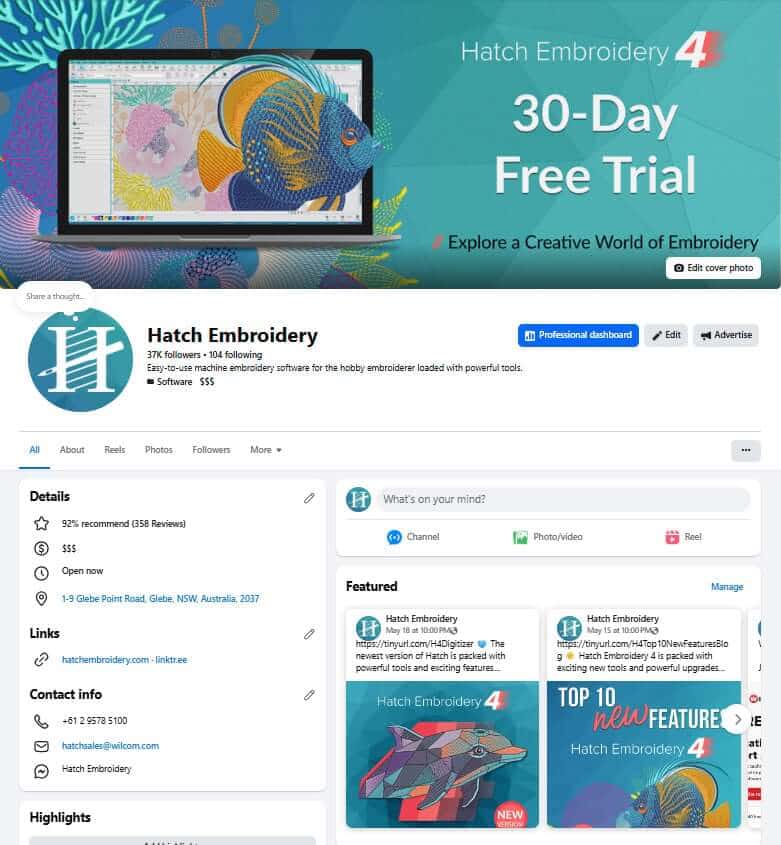
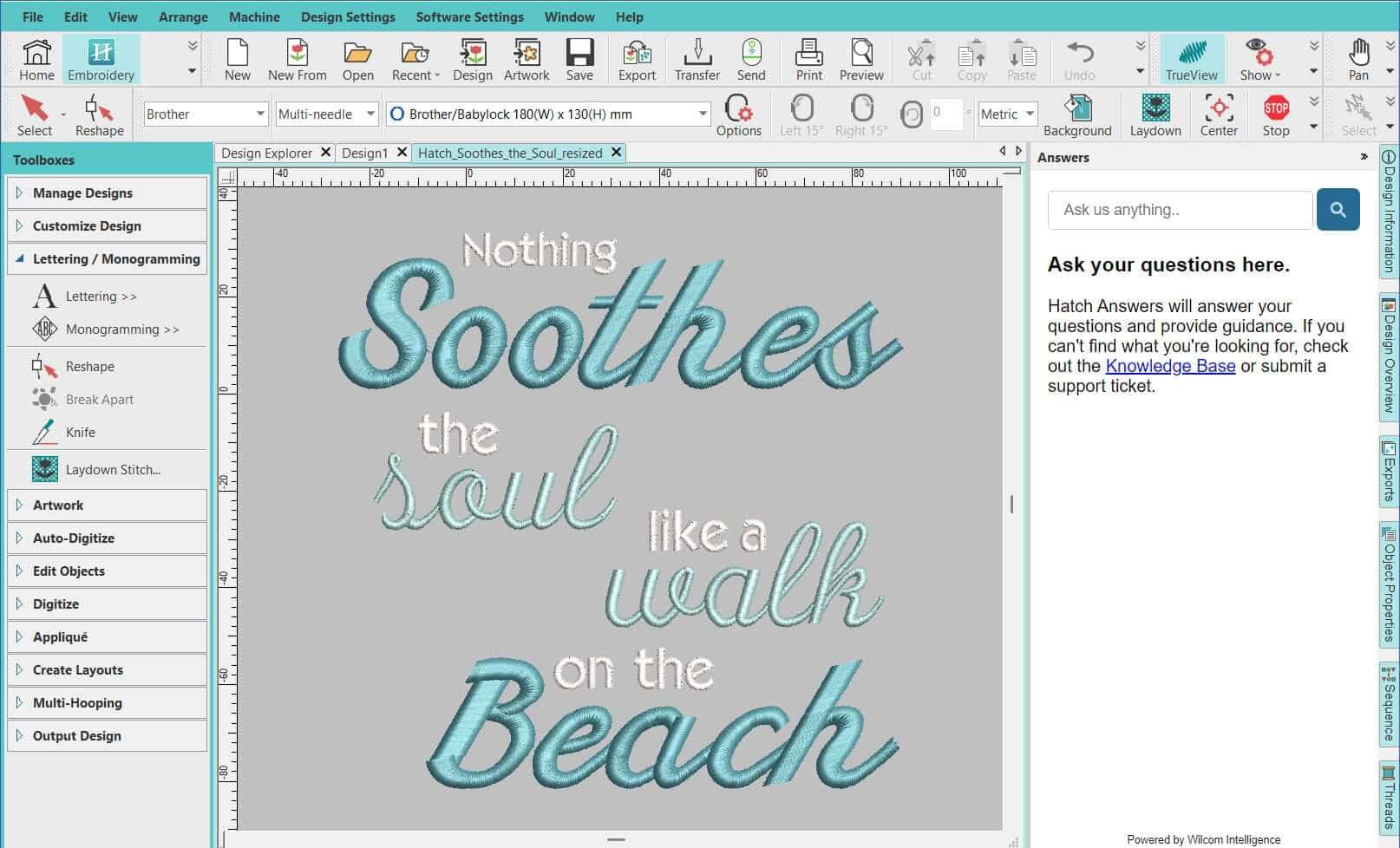
Get answers when you need them most with AI Answers in Hatch Embroidery 4. This built-in smart assistant helps you quickly find guidance, tips, and solutions while you work - making it easier to learn tools, troubleshoot questions, and keep your creative flow going without leaving the software. Whether you're just starting out or refining advanced designs, help is only a click away.
 |  |  |  |
| Hatch Academy over 400 FREE Lessons | 30-Day FREE Trial all the tools & features | Money-Back Guarantee ease of mind | FlexPay monthly instalments |
The definite choice when selecting embroidery software
Hatch Embroidery software is a comprehensive embroidery design solution that offers a range of tools and features for both beginners and seasoned embroiderers.
Here’s why it's a great choice:
- User-Friendly Interface: The software is designed with a user-friendly interface that makes it easy for anyone to start creating beautiful embroidery designs, regardless of their experience level.
- Powerful Editing Tools: It provides powerful editing tools that allow users to resize, edit, and adjust embroidery designs with precision. This is essential for businesses that need to customize designs according to specific customer requirements.
- Wide Range of Formats Supported: Hatch Embroidery supports a wide range of machine file formats, making it versatile for use with different embroidery machines. This flexibility is crucial for businesses operating with multiple machine types.
- Professional Quality: The software generates professional-quality stitches, ensuring that the end products are of high quality, which is vital for maintaining customer satisfaction and business reputation.
- Extensive Design Features: With features like auto-digitizing, lettering, monogramming, and even special effects, businesses can offer a wide range of embroidery services, increasing their market appeal and potential revenue streams.
- Regular Updates and Support: Hatch provides regular software updates and robust customer support, ensuring that businesses can always access the latest features and get help when needed.
Overall, Hatch Embroidery software equips you with the tools necessary to create stunning, high-quality embroidery designs efficiently and effectively, enhancing productivity and customer satisfaction.
Related Articles
The Essential Guide to Machine Embroidery
When you start on your machine embroidery journey, there are so many different supplies and technical... more »

Using Lettering for Quotes and Sayings with Hatch Embroidery, Plus Bonus FREE Designs
Embroidering inspirational or funny quotes and quirky sayings on cushion covers, tea towels, or tote bags is a... more »
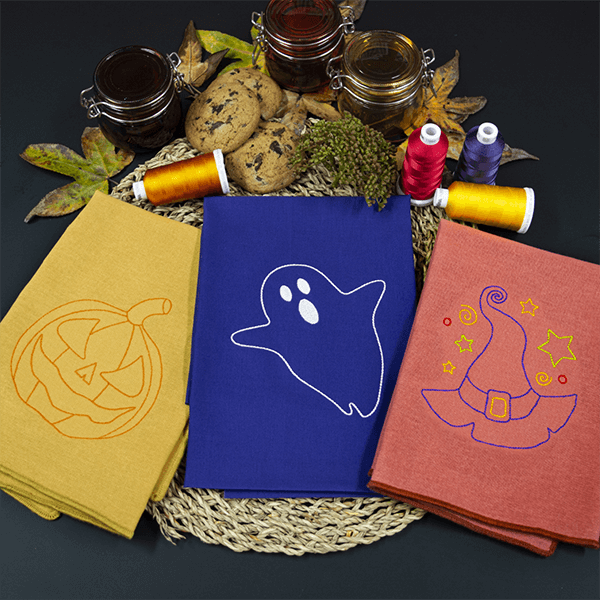
Halloween Linework Napkins
There are several ways you can achieve Linework including the ever-so-popular Redwork with Hatch... more »
Elastic Embossed Fills & Color Variations on a Theme
Hatch Embroidery Digitizer comes with 105 different Embossed fills and they can be used to create Elastic... more »