


 Hatch Embroidery Digitizer
 Hatch Embroidery Composer
 Hatch Embroidery Personalizer
 Hatch Embroidery Organizer












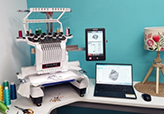






Getting Started with Hatch: Toolboxes, Toolbars and Dockers
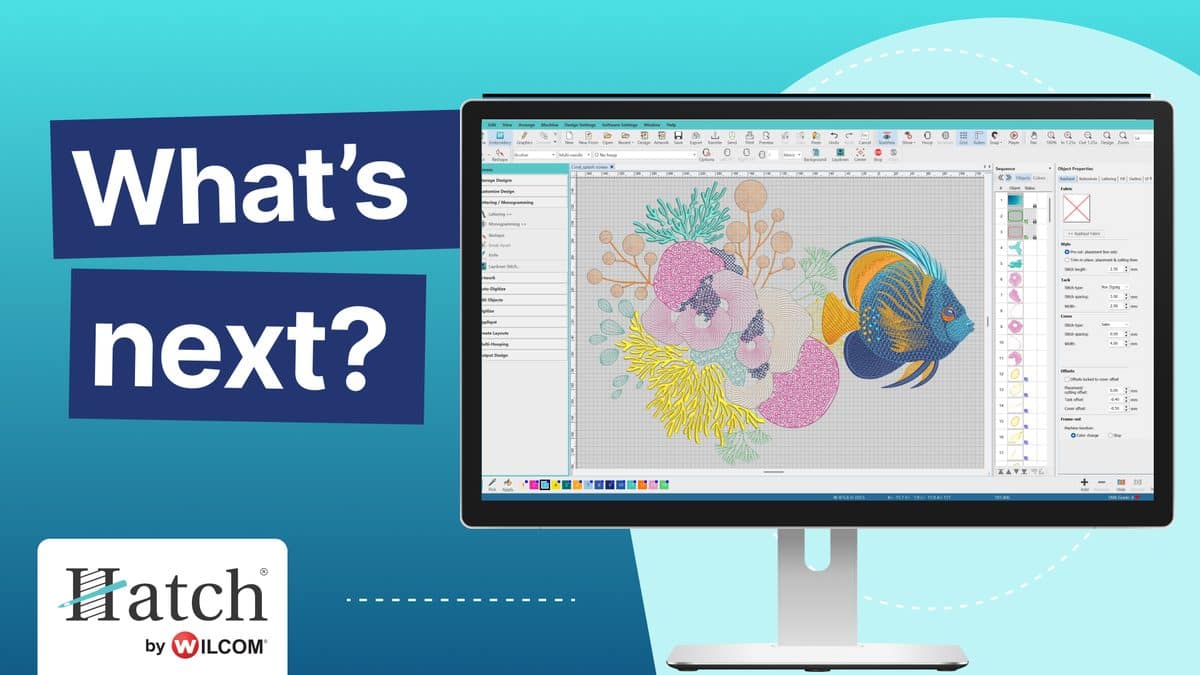
Opening Hatch Embroidery for the first time? The toolboxes, toolbars and dockers are where all the action happens, and knowing what each area does makes everything else easier. This video walks you through each one so you can find your way around with confidence.
Learn each part of the screen
Hatch Academy has a short course for each area of the workspace:
- Hatch Toolboxes (HT): the first place you'll start when working with designs
- Hatch Toolbars (HTB): the tools you'll use every time you open Hatch
- Hatch Dockers (HTD): the panels down the side of your screen, and when to use them
Build a pre-stitch checklist
Already creating or editing designs? 12 Steps to Check an EMB File helps you catch problems before they reach your fabric, for smoother stitch-outs every time.
Make sure your computer is ready
Before you install the full version, check your computer against the Hatch Embroidery 4 system requirements, then compare the four levels and choose the one that suits you.
Where to get help
For technical questions about installation, licenses, or error messages, start with the FAQs or the Help Center. If you want to learn how to do something in the software, Hatch Academy is the place to go.
Related Articles


Categories
- Popular Posts
- Recent Posts