

 Hatch Embroidery Digitizer
 Hatch Embroidery Composer
 Hatch Embroidery Personalizer
 Hatch Embroidery Organizer









WORKS WITHBrotherBerninaJanomeBaby LockSingerTajimaBarudanHusqvarna VikingPfaff + more



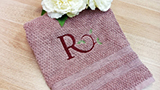
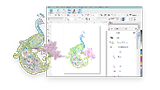
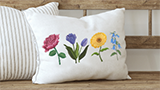
- Create custom lettering and monograms with ease
- Includes professionally digitized embroidery fonts
- Convert TrueType and OpenType fonts into embroidery
- Laydown Stitch improves embroidery on textured fabrics
Essential customizing,
made easy for everyday creators.
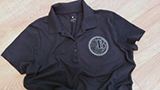
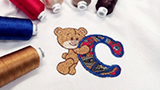
Add a personal touch to every project with Hatch Embroidery Personalizer. Designed for embroidery enthusiasts who love lettering, monogramming, and customization, Personalizer makes it easy to create unique gifts, home décor, apparel, and more with beautifully digitized fonts and creative monogram tools.
With professionally crafted embroidery fonts, customizable lettering layouts, and built-in monogram templates, you can quickly personalize designs with confidence and style. Plus, features like Laydown Stitch help embroidery stand out beautifully on textured fabrics like towels and fleece.
USD $299.00
One-time payment
- *All prices exclude applicable taxes
-
 30-Day Money-Back Guarantee
ALL Features
What makes Digitizer the ultimate flagship.
Digitizer includes everything in Organizer, Personalizer, and Composer, plus the full professional toolset and all the newest Hatch Embroidery 4 features.
- New in Hatch 4
- Key Features
AI Answers
Built-in AI assistant for instant embroidery guidance without leaving the software.
Grids, Guides & Snap
Faster alignment and precision placement with smarter snap options.
Design Explorer
Search, sort, and browse your entire embroidery design library across your PC - all in one organized place.
Warning Controls
Turn distracting warning messages off, with the option to switch them back on whenever you like.
Automatic Connectors & Trims
Cleaner stitch paths with improved automatic connector and trim behavior.
Display Colors
Adjust display colors for stitches, needle points, shapes, and grids so nothing gets lost against your colorway.
Control Point Display
See exactly which reshape nodes, stitch angles, and entry/exit points you're editing with the new Reshape Views toolbar.
Wireless Transfer
Send designs directly to compatible Brother machines via Wi-Fi. No USB required.
Exports Docker
Track background conversions and monitor export status in real time.
Trim & Connector Display
Connector and trim symbols now default to a clearer red display, so you can check your design before stitching.
Manual Digitizing
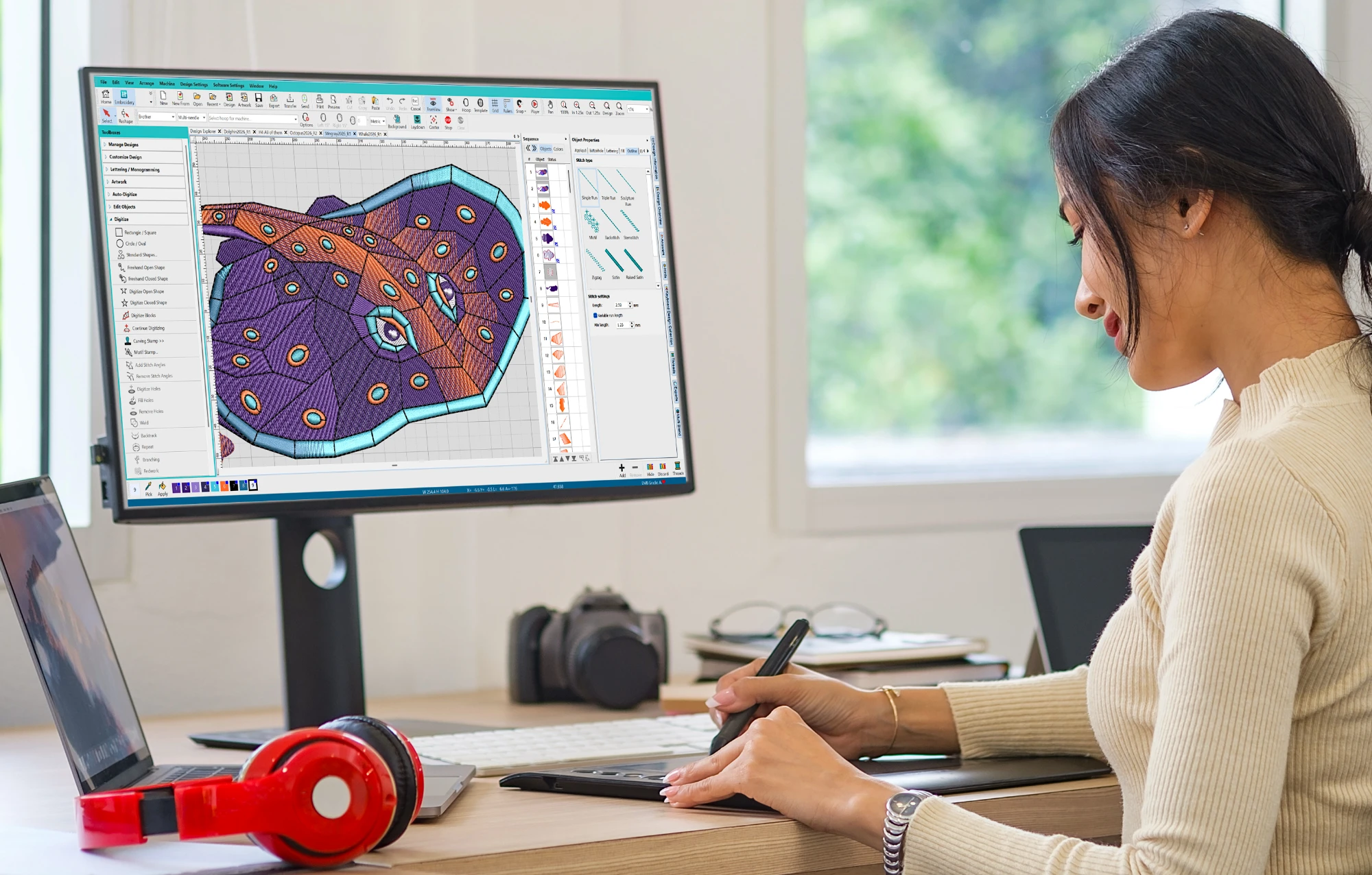
Create embroidery from scratch with precise control over shapes, stitches, and structure.
Auto-Digitizing
Turn bitmap and vector artwork into embroidery in one click, then refine colors, shapes, and stitch sequencing with ease.
World-Class Lettering
130 professionally hand-digitized fonts created by our Wilcom experts for the very best quality embroidery lettering available today.
Monogramming
Create polished monograms fast with over 90 built-in templates, 400 ornaments, 375 motifs, and 100 embossed fills.
Multi Blend NEW
Blend colors smoothly across your design, from subtle shading to rich gradients, all in one editable object. No manual stitch setup required.
Continue Digitizing NEW
Add to existing objects without starting over, resequencing, or creating new ones. Spend less time fixing and more time creating.
Advanced Appliqué NEW
Convert existing designs into appliqué in a few clicks. Works with open and closed shapes, so you spend less time rebuilding and more time creating.
Stop Function NEW
Insert stops anywhere in your design to pause the machine without a color change or trim. Fewer steps, fewer interruptions.
Appliqué
Simple or advanced appliqué, including 1-click closed object to appliqué conversions, ready to be exported directly to SVG for your cutting machine.
Embroidery Editing
Resizing, recoloring, changing stitch types and angles, weld, knife, break-apart, removing overlaps, color blending, branching, Redwork and more.
Color PhotoStitch
Transform your precious photographs into enduring artworks.
Reef PhotoStitch
Recreate the beauty of coral! Magically transform your photo or art into a striking embroidery design using a low stitch-count with no overlaps and minimal trims and jumps.
Hand Stitch
Apply hand stitch effect to your design objects for a creative organic look.
Keyboard Design Collection
Map decorative letters and other embroidery artwork to your keyboard for super-fast access.
Laydown Stitch
Automatically create a flat mesh backing on bulky or textured fabrics so that your embroidery design stands out.
Center All Tool
Instantly center your design and hoop in one click for faster setup and cleaner positioning.
Learn fast, create more.
Hatch Academy is the only online learning platform dedicated to Hatch Embroidery software. Designed by Hatch experts, it offers 72+ comprehensive courses with over 400 lessons.
Whether you're a beginner or an advanced user, Hatch Academy helps you unlock the full potential of your embroidery projects.
Free for Hatch Embroidery Digitizer owners!
72+
COURSES
400+
LESSONS
30k+
COMMUNITY
FREQUENTLY ASKED
Questions? Answered.
Start here if you need help:
- Browse the FAQs on this page
- Visit the Hatch Help Center
- Explore the Online User Guide
- Submit a support ticket
Our support team typically replies within one business day.
Hatch Embroidery 4 Help & FAQ
Browse 100+ answers covering features, licensing, compatibility, and more.
What can I do in Personalizer that I can't do in Organizer?
Personalizer adds lettering and monogramming to everything in Organizer. You can add text to any design, create monograms from professional templates, reshape and edit individual letters, use lettering baselines and alignment options, and apply Laydown Stitch for textured fabrics like toweling. Organizer is focused on working with existing designs - Personalizer is for users who want to personalize and customize them.
How many embroidery fonts does Personalizer include?
Personalizer includes 66 professionally digitized embroidery fonts. You can also use TrueType and OpenType fonts from your computer, which Hatch converts into embroidery automatically.
Can I create monograms in Personalizer?
Yes. Personalizer includes professional monogram templates you can customize with your own initials, colors, and sizing. You can create standalone monograms or combine them with existing embroidery designs.
Can Personalizer digitize designs from scratch or from photos?
No. Personalizer is for adding lettering and monogramming to existing designs - it does not include auto-digitizing or manual digitizing tools. If you want to turn photos or artwork into embroidery, you need Composer or higher.
Does Personalizer work with my embroidery machine?
Yes, most likely. Hatch supports file formats used by most major brands including Brother, Janome, Bernina, Baby Lock, Singer, Husqvarna Viking, Pfaff, Tajima, Barudan, and many others. Hatch 4 also adds direct wireless transfer to supported Brother machines.
Is Hatch Embroidery sold as a subscription?
No. Hatch Embroidery is a perpetual license - you buy it once and own it. Personalizer is a one-time payment with no ongoing subscription required.
Can I upgrade from Personalizer to Composer or Digitizer later?
Yes, at any time. You only pay the price difference between your current level and the level you want. All your existing designs carry over. Sign in to your Hatch account to see your personalized upgrade pricing.
Can I upgrade from an older version of Hatch to Personalizer 4?
Yes. Existing Hatch owners receive discounted upgrade pricing based on their current level and version. Visit the upgrades page or sign in to your Hatch account to see your options.
Can I try Personalizer before buying?
If you don't already own a Hatch license, yes - the 30-day free trial gives full access to all four levels with no credit card required. You can switch between levels during the trial to find the right fit. If you already own a license, the trial is unavailable, but there's a 30-day money-back guarantee on purchase.
What's the difference between Personalizer and Composer - is it worth upgrading?
Personalizer is ideal if your main goal is adding lettering and monograms to existing designs. Composer adds the ability to auto-digitize photos and artwork into embroidery, edit and reshape design objects, and work with larger designs using multi-hooping. If you want to do more than personalize - such as creating or editing designs - Composer is the step up. Compare all levels in detail →
What operating system does Hatch Embroidery 4 require?
Hatch Embroidery 4 is Windows only and requires Windows 11. See the full system requirements for hardware specifications.
What is Hatch Academy and is it included with Personalizer?
Hatch Academy is Wilcom's exclusive online learning platform with hundreds of lessons, projects, webinars, and community forums. Valued at US$999, it's included free for all Hatch Embroidery 4 owners - including Personalizer.
START TODAY
Try every level free for 30 days
Download and start creating embroidery designs today. Your 30-day trial includes every tool in Hatch Embroidery 4, from basic customizing right up to professional digitizing.