
 Hatch Embroidery Digitizer
 Hatch Embroidery Composer
 Hatch Embroidery Personalizer
 Hatch Embroidery Organizer




















Categories
- Popular Posts
- Recent Posts
Categories
Editing Tools in Hatch Embroidery: Unlock Your Creativity


Table of Contents
- Start with Objects, Not Stitches
- Select Exactly What You Need
- Transform Designs with Ease
- Reshape Without Starting Over
- Fine-Tune Object Properties
- Keep Your Design Organized
- Edit Colors with Confidence
- Improve Stitch Quality Automatically
- When You Need Complete Control
- Work Smarter with EMB Files
- Edit with Confidence
- FAQs
- ⭐⭐⭐⭐⭐
- The definitive choice when selecting embroidery software for your home embroidery business.
One of the biggest advantages of creating embroidery designs digitally is the ability to make changes at any stage of the design process. Whether you're personalizing a gift, modifying a purchased design, or refining your own digitizing, the editing tools in Hatch Embroidery give you complete control over your embroidery projects.
From simple adjustments like moving and resizing objects to advanced stitch editing, Hatch Embroidery offers a comprehensive set of tools designed to help you work faster, achieve better stitch quality, and bring your creative ideas to life.
Let's take a closer look at some of the most useful editing features available in Hatch Embroidery.
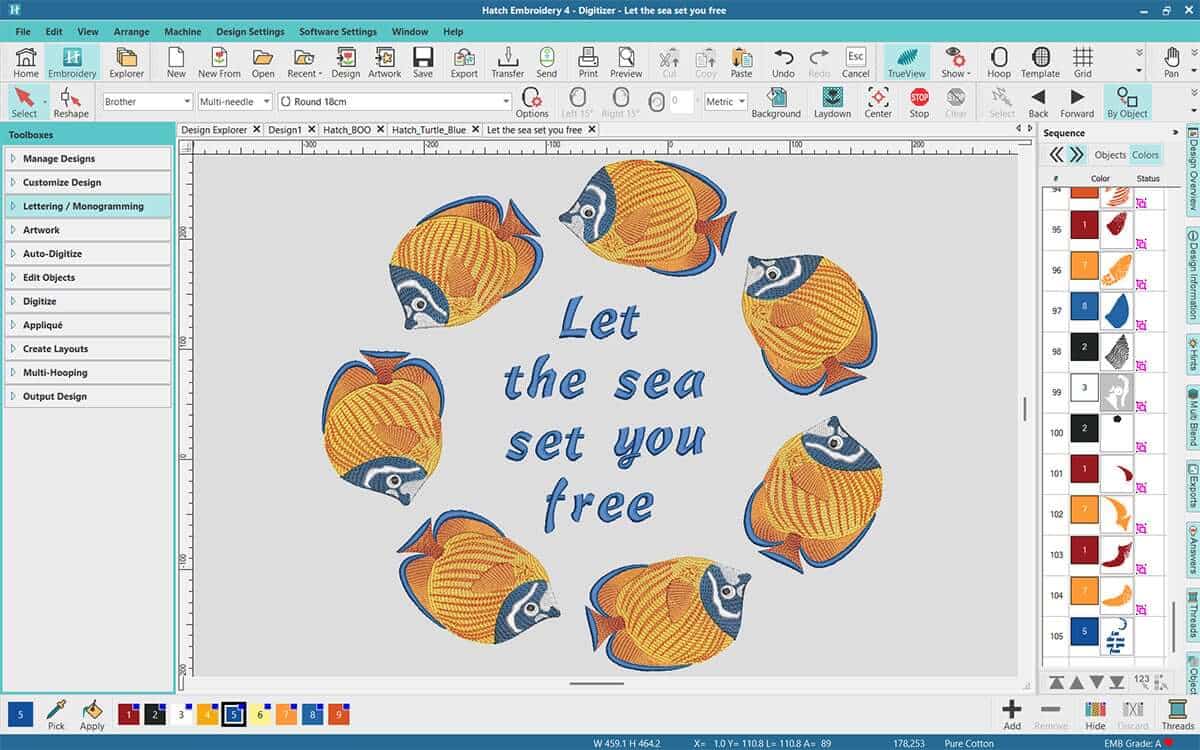
Start with Objects, Not Stitches
One of the key concepts in Hatch Embroidery is object-based editing. Rather than working directly with thousands of individual stitches, most designs are made up of embroidery objects. These objects retain their embroidery properties, making them easy to modify without compromising stitch quality.
Because the software understands how each object is constructed, you can resize, reshape, recolor, or adjust it while Hatch automatically recalculates the stitches for optimal embroidery results.
This makes editing faster, easier, and far more accurate than simply manipulating individual stitches.
Select Exactly What You Need
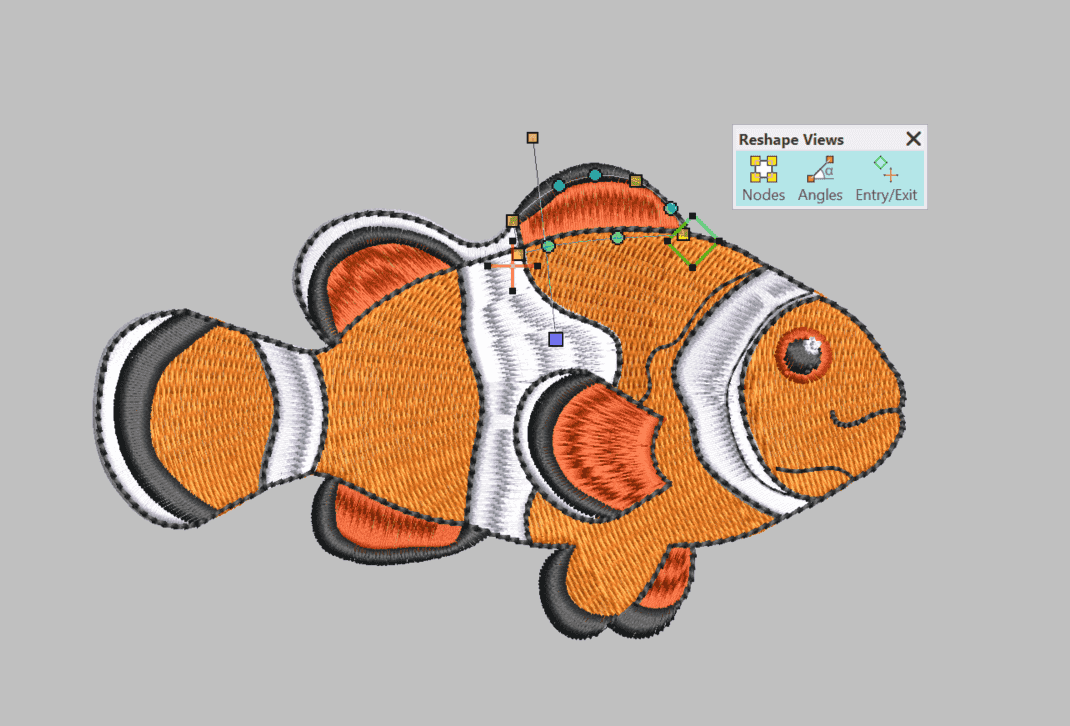
Editing begins with selecting the right part of your design. Hatch Embroidery makes this simple with a variety of selection methods.
You can click individual objects, drag a selection box around multiple objects, or use the Object List to quickly locate and select elements in more complex designs. Once selected, you can edit a single object or work with several objects at once.
Grouping related objects is another great time-saver. Once grouped, they can be moved, resized, rotated, or duplicated together while maintaining their layout.
Transform Designs with Ease
Many embroidery projects require simple layout changes, and Hatch includes a full suite of transformation tools to help.
You can:
- Move objects precisely around the workspace.
- Rotate designs to any angle.
- Mirror objects horizontally or vertically.
- Resize designs while maintaining stitch quality.
- Align multiple objects.
- Evenly distribute objects across your design.
These tools are invaluable when creating quilt blocks, monograms, logos, decorative borders, or multi-hoop projects where precise positioning matters.
Reshape Without Starting Over
Sometimes a design is almost perfect, it just needs a small adjustment.
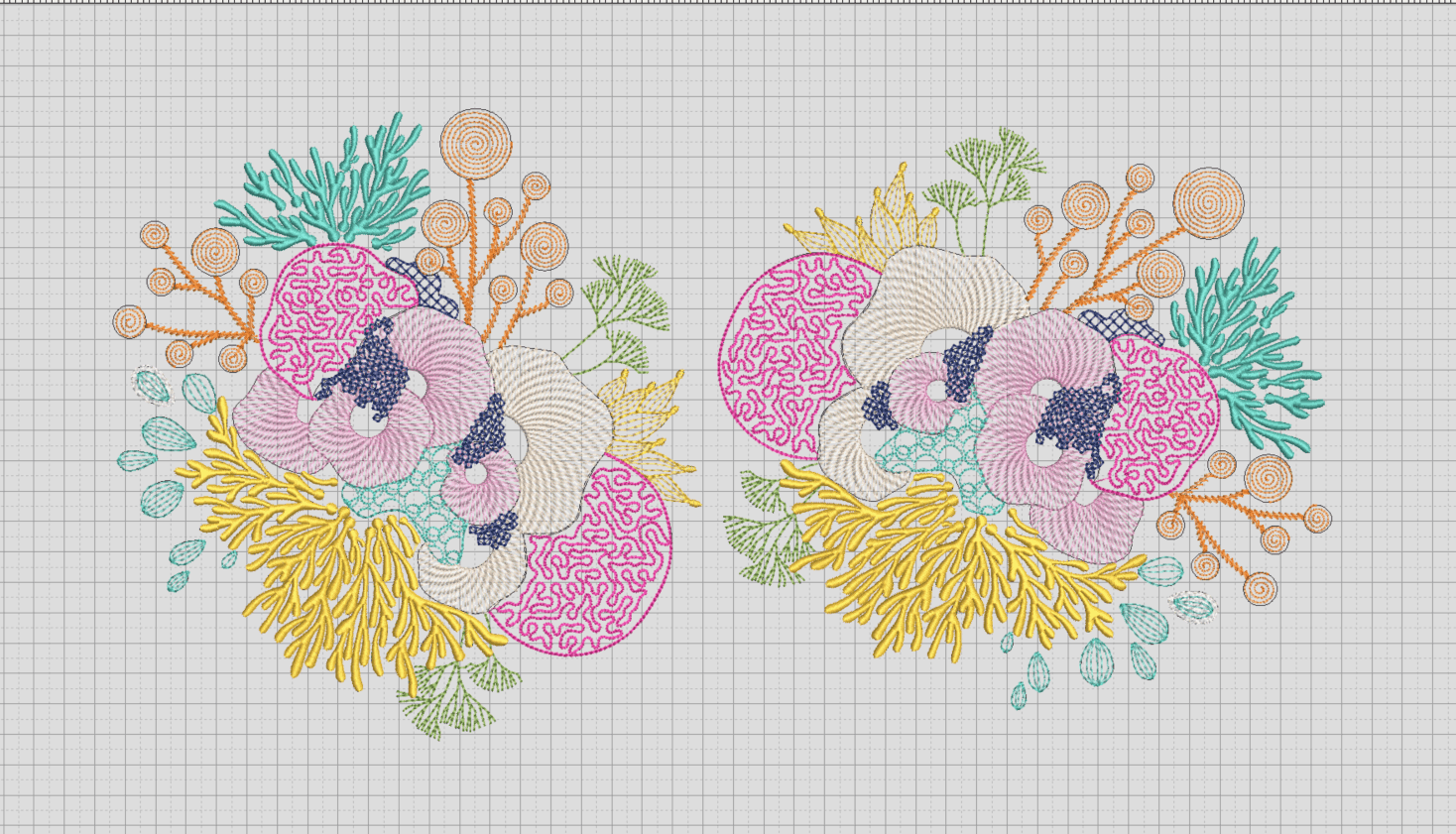
The Reshape tools allow you to modify the outlines of embroidery objects by moving, adding, or deleting control points. Instead of redigitizing an object, you can fine-tune its shape while Hatch automatically regenerates the stitches.
Need to widen a satin column? Round off a corner? Extend a leaf? Reshape tools make these adjustments quick and intuitive.
Because you're editing the embroidery object itself, stitch quality is preserved throughout the process.
Fine-Tune Object Properties
Every embroidery object contains a wide range of editable properties.
Depending on your software level, you can adjust settings such as:
- Stitch type
- Density
- Pull compensation
- Underlay
- Stitch angle
- Travel stitching
- Fill patterns
- Borders and outlines
These controls allow you to optimize designs for different fabrics, improve coverage, reduce puckering, or create entirely new visual effects.
Small adjustments to these properties can dramatically improve the final embroidered result.
Keep Your Design Organized
As projects grow, keeping objects organized becomes increasingly important.
Hatch Embroidery allows you to reorder objects, change stitching sequence, and arrange elements using simple commands like Bring Forward, Send Backward, Bring to Front, and Send to Back.
Managing the stitch sequence not only affects how your design is embroidered but can also reduce unnecessary trims and color changes.
For more complex projects, organizing objects before stitching can significantly improve production efficiency.
Edit Colors with Confidence
Changing thread colors is one of the easiest ways to personalize a design.
Hatch Embroidery lets you quickly replace colors, assign threads from popular manufacturer charts, merge identical colors, and preview your finished embroidery using realistic thread simulations.
This makes it easy to create seasonal variations, coordinate with different fabrics, or prepare designs for customers with specific color requirements.
Improve Stitch Quality Automatically
Editing isn't just about changing how a design looks, it can also improve how it stitches.
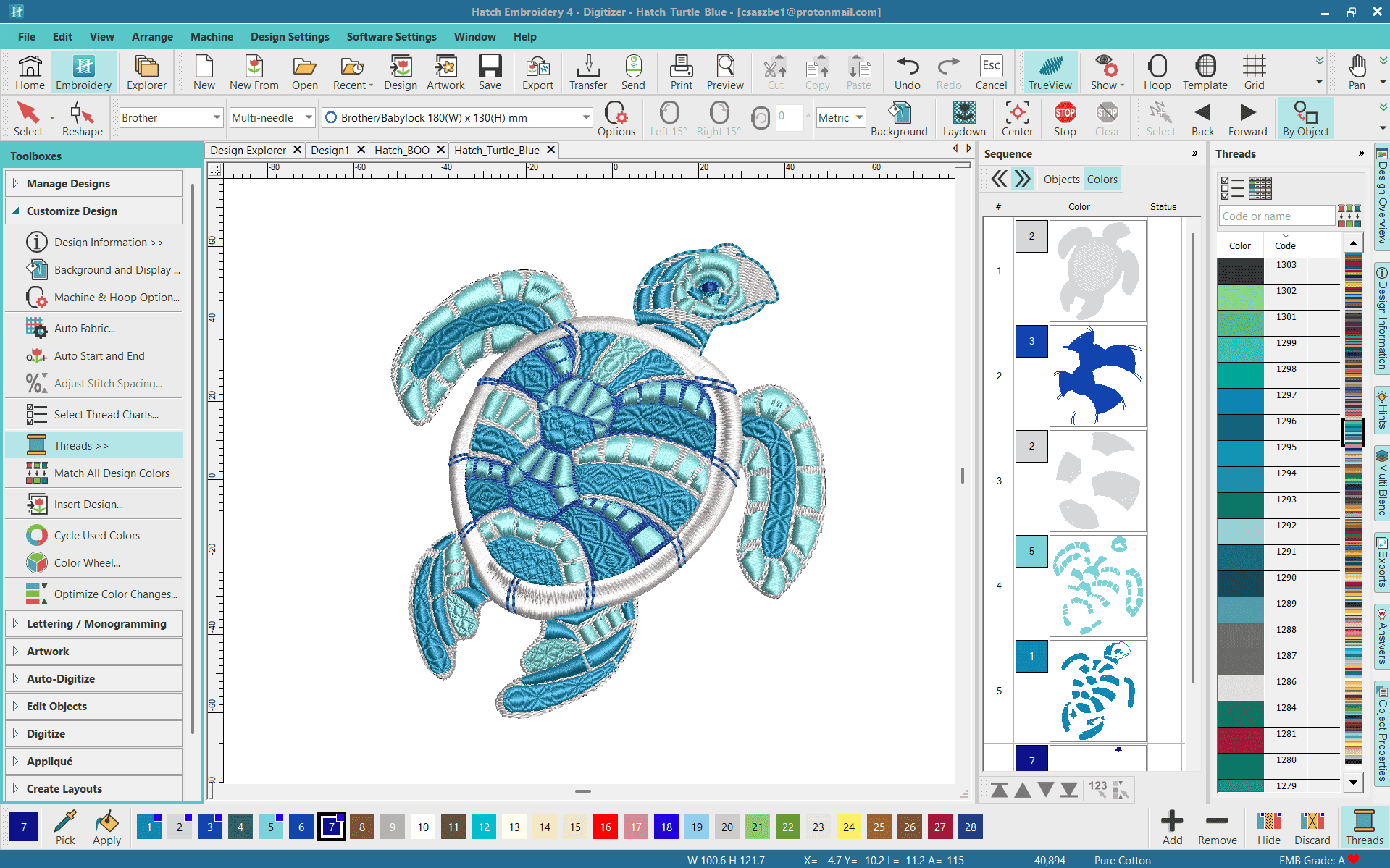
Hatch includes intelligent editing features that help optimize embroidery objects after changes have been made. As you resize, reshape, or modify objects, the software recalculates stitch generation to maintain quality wherever possible.
Tools such as automatic joins, improved travel paths, and optimized object connections can help reduce jump stitches, trims, and unnecessary machine movement.
The result is cleaner embroidery and more efficient production.
When You Need Complete Control
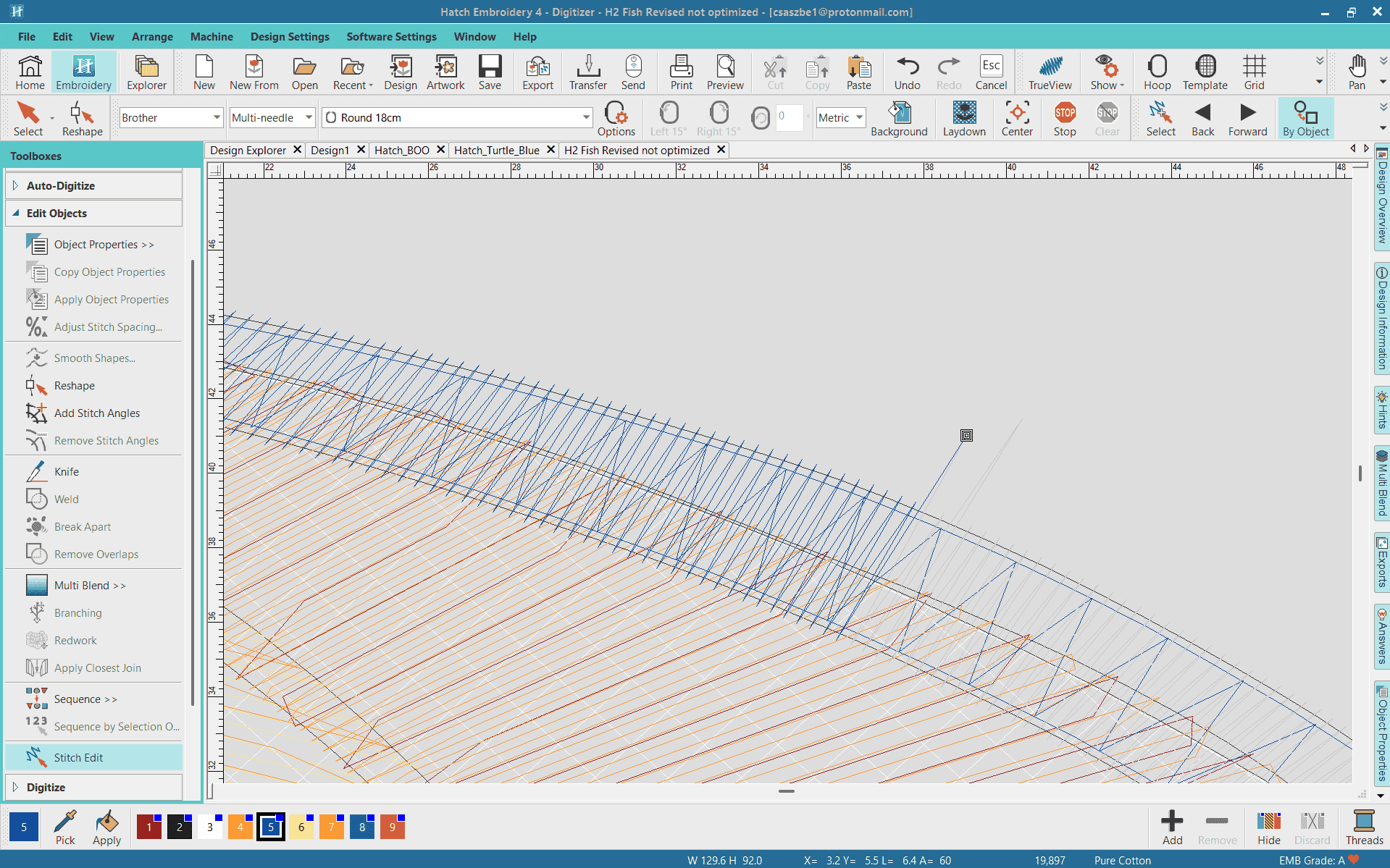
For advanced users, Hatch Embroidery also allows editing at the stitch level.
Individual stitches can be moved, inserted, or deleted to make precise corrections that aren't possible through object editing alone. While most designs can be edited more efficiently as embroidery objects, stitch editing is invaluable for repairing imported machine files or making highly detailed adjustments.
This level of control gives experienced embroiderers the flexibility to perfect even the most intricate designs.
Work Smarter with EMB Files
One of the best ways to take full advantage of Hatch's editing capabilities is to save your work as an EMB file.
Unlike machine stitch files, EMB files preserve the embroidery objects, properties, and editing information used to create your design. This means you can reopen a project at any time and continue editing without losing flexibility.
Once your design is complete, simply export it to your machine's preferred stitch format for embroidery.
Edit with Confidence
Whether you're making simple adjustments or performing advanced design refinements, the editing tools in Hatch Embroidery are designed to make the process intuitive, efficient, and enjoyable.
By working with embroidery objects, customizing object properties, organizing stitch sequences, and taking advantage of intelligent stitch regeneration, you can create professional-quality embroidery with less effort and greater creative freedom.
No matter which Hatch software level you use, learning these editing tools will help you get more from every design. And as you move into Composer or Digitizer, you'll unlock even more powerful editing features that give you complete control over every stitch.
The ability to edit confidently isn't just about fixing mistakes—it's about transforming ideas, personalizing designs, and creating embroidery that's uniquely yours.
Find out more about the wide range of editing tools here.
FAQs
What are the editing tools in Hatch Embroidery?
Hatch Embroidery includes a range of tools for modifying and refining designs, including resizing, reshaping, rotating, mirroring, aligning, recoloring, arranging objects, and editing stitch properties.
Can I resize an embroidery design in Hatch Embroidery?
Yes. You can resize embroidery objects and designs while Hatch recalculates the stitches to help maintain appropriate stitch density and quality.
Can I change the shape of an embroidery object?
Yes. The Reshape tools allow you to adjust the outlines of embroidery objects by editing their control points, helping you fine-tune a design without having to digitize it again.
Can I change the colors in an embroidery design?
Yes. You can change thread colors, assign different thread charts, and merge colors to customize a design for different fabrics, projects, or customer requirements.
Can I change the order in which objects stitch?
Yes. Hatch Embroidery lets you reorder objects and adjust the stitching sequence. This can help improve the sewing sequence, reduce unnecessary trims and color changes, and create a more efficient design.
Can I edit individual stitches in Hatch Embroidery?
Yes. Hatch Embroidery provides stitch-level editing for making precise adjustments. This can be particularly useful when repairing or refining designs that don't contain editable embroidery objects.
⭐⭐⭐⭐⭐
The definitive choice when selecting embroidery software for your home embroidery business.
Hatch Embroidery software is a comprehensive embroidery design solution that offers a range of tools and features for both beginners and seasoned embroiderers.
Here’s why it's a great choice for your business:
- User-Friendly Interface: The software is designed with a user-friendly interface that makes it easy for anyone to start creating beautiful embroidery designs, regardless of their experience level.
- Powerful Editing Tools: It provides powerful editing tools that allow users to resize, edit, and adjust embroidery designs with precision. This is essential for businesses that need to customize designs according to specific customer requirements.
- Wide Range of Formats Supported: Hatch Embroidery supports a wide range of machine file formats, making it versatile for use with different embroidery machines. This flexibility is crucial for businesses operating with multiple machine types.
- Professional Quality: The software generates professional-quality stitches, ensuring that the end products are of high quality, which is vital for maintaining customer satisfaction and business reputation.
- Extensive Design Features: With features like auto-digitizing, lettering, monogramming, and even special effects, businesses can offer a wide range of embroidery services, increasing their market appeal and potential revenue streams.
- Regular Updates and Support: Hatch provides regular software updates and robust customer support, ensuring that businesses can always access the latest features and get help when needed.
Overall, Hatch Embroidery software equips your business with the tools necessary to create stunning, high-quality embroidery designs efficiently and effectively, enhancing productivity and customer satisfaction, making it pivotal when selecting suppliers and supplies for your home embroidery business.
Hatch Embroidery software products are in popular use in over 120 countries. It is time to join the global trend and give Hatch a try! The 30-Day Free Trial grants you unlimited use of all the amazing features and the 30-Day Money-Back Guarantee ensures that there is absolutely no risk involved. In fact, choosing Hatch Embroidery software is one of the smartest things you can do when selecting suppliers and supplies for your home embroidery business.
Enjoy over 200 FREE lessons presented by our own embroidery experts at Hatch Academy. Grow your confidence and embroidery skills fast to start creating your own beautiful designs in no time!
 |  |  |  |
| Hatch Academy over 500 FREE lessons for software owners | 30-Day | Money-Back Guarantee ease of mind | Hatch FlexPay monthly installments |
The definite choice when selecting embroidery software
Hatch Embroidery software is a comprehensive embroidery design solution that offers a range of tools and features for both beginners and seasoned embroiderers.
Here’s why it's a great choice:
- User-Friendly Interface: The software is designed with a user-friendly interface that makes it easy for anyone to start creating beautiful embroidery designs, regardless of their experience level.
- Powerful Editing Tools: It provides powerful editing tools that allow users to resize, edit, and adjust embroidery designs with precision. This is essential for businesses that need to customize designs according to specific customer requirements.
- Wide Range of Formats Supported: Hatch Embroidery supports a wide range of machine file formats, making it versatile for use with different embroidery machines. This flexibility is crucial for businesses operating with multiple machine types.
- Professional Quality: The software generates professional-quality stitches, ensuring that the end products are of high quality, which is vital for maintaining customer satisfaction and business reputation.
- Extensive Design Features: With features like auto-digitizing, lettering, monogramming, and even special effects, businesses can offer a wide range of embroidery services, increasing their market appeal and potential revenue streams.
- Regular Updates and Support: Hatch provides regular software updates and robust customer support, ensuring that businesses can always access the latest features and get help when needed.
Overall, Hatch Embroidery software equips you with the tools necessary to create stunning, high-quality embroidery designs efficiently and effectively, enhancing productivity and customer satisfaction.
Related Articles

Unlock Creative Lettering with Hatch Embroidery
Imagine a world where your embroidery projects are not just stitched but tell a story with every letter.... more »

Free Standing Lace - Creating Magic
Free Standing Lace (FSL) is a captivating embroidery technique that creates delicate, standalone lace... more »
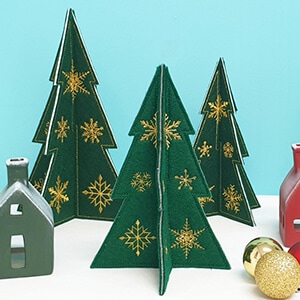
Layout Tools: Create Stunning Embroidered Christmas Trees
This holiday season, add a personal touch to your decorations with embroidered free-standing felt... more »
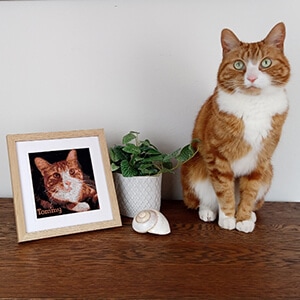
Color PhotoStitch - Cherished Memories to Embroidered Art
One of the standout features of Hatch Embroidery is the Color PhotoStitch tool, which allows you to... more »