

 Hatch Embroidery Digitizer
 Hatch Embroidery Composer
 Hatch Embroidery Personalizer
 Hatch Embroidery Organizer











Why Mai Huynh Loves the Cross Stitch GEM ❤️

Table of Contents
Let's hear it from Mai.
Why I Love the Cross-Stitch Look
There are so many reasons why I love the Cross Stitch GEM, but for me, it all comes down to the finished result: the beautiful texture and the overall impact it creates.
Made up of hundreds of tiny crosses, an image gradually comes to life, creating that gorgeous traditional cross-stitch look. I love how the finished stitch-out feels. Unlike traditional embroidery, it doesn't have that dense, heavy feel, and it's generally much quicker to stitch out.
Another thing I love is just how easy Cross Stitch GEM is to use. It's so user-friendly that even my 7-year-old son has had a go! He now proudly calls himself an embroidery digitizer, which I think is pretty adorable!
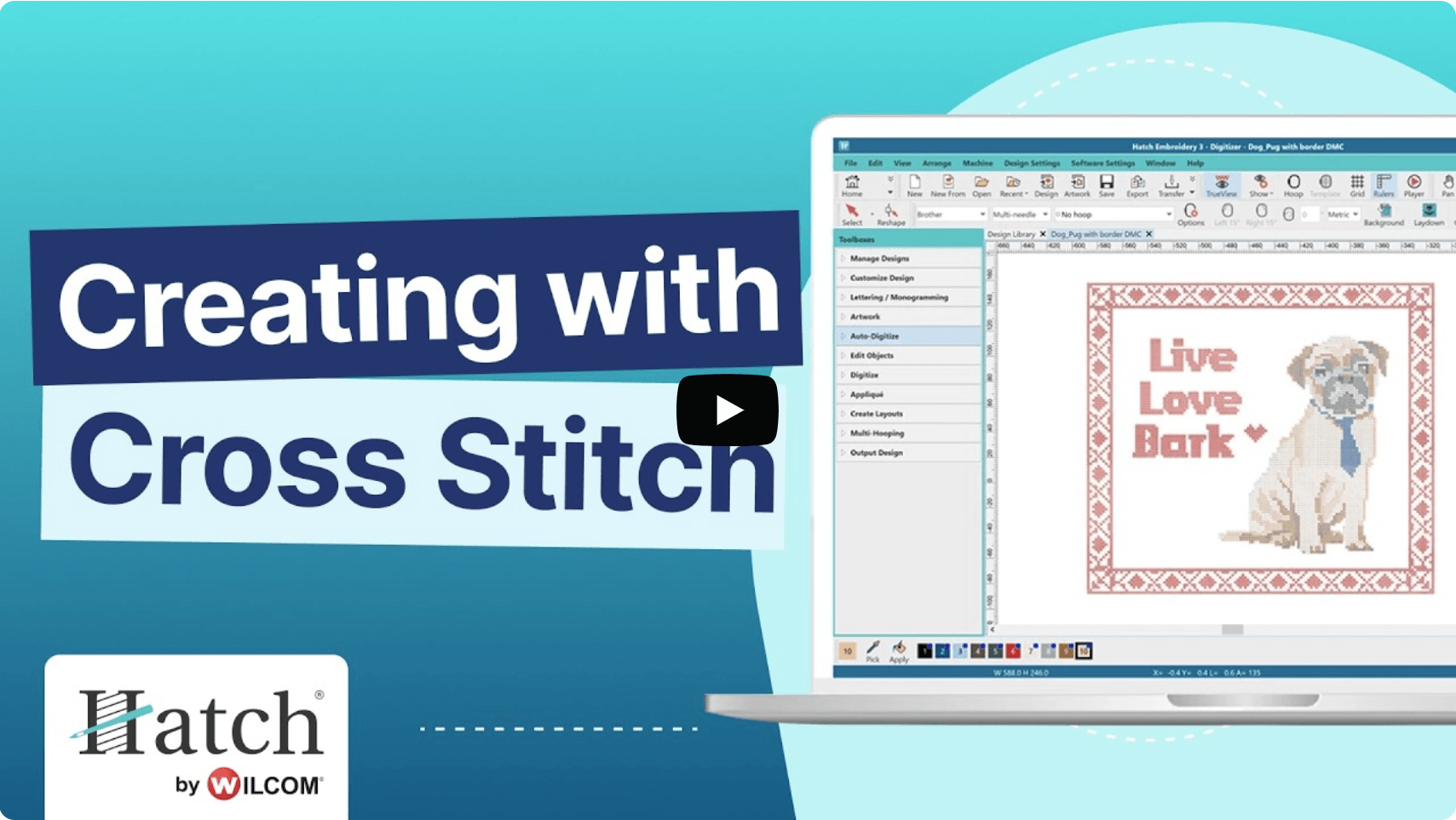
Turning Favorite Images into Cross-Stitch Designs
One of my favorite features is that you don't have to be particularly creative or know how to digitize from scratch to create something beautiful. You can simply download an existing cross-stitch pattern and use Auto Stitch to convert it into a stitch-ready file for your embroidery machine. It's such an easy way to achieve that lovely cross-stitch look without spending hours creating a design yourself.
But what I probably enjoy most is converting my favorite images into cross-stitch designs. I do this quite often, and I find the whole process surprisingly therapeutic. There's something really satisfying about removing and adding color squares until the design comes together to form a beautiful cross-stitch image.
The only time I tend to create designs completely from scratch is when I'm working on border designs. This is where I need a little more control, as I often want particular colors and different cross-stitch types placed in very specific positions.
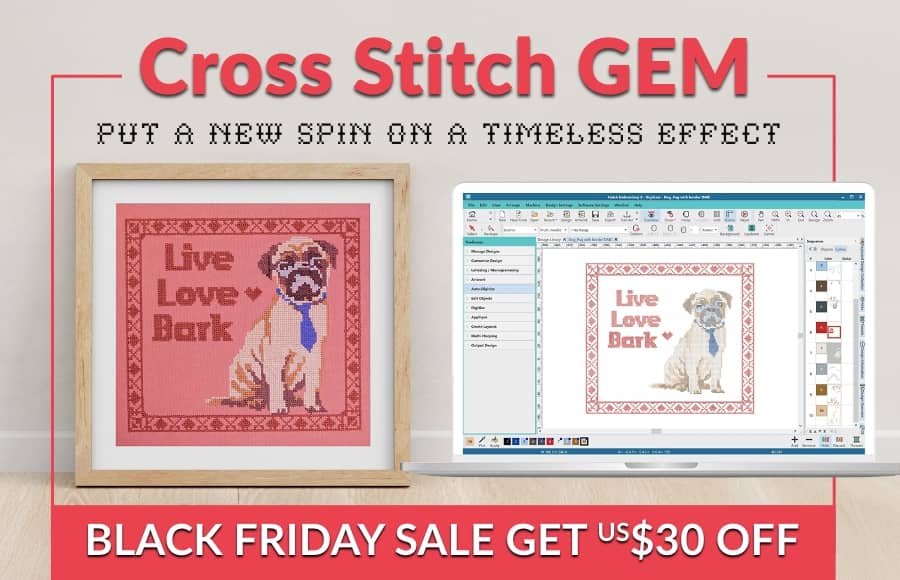
How I Create a Cross-Stitch Design
The process really couldn't be easier!
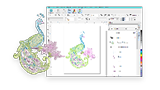
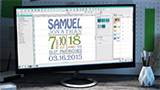
I simply import my chosen image into the Cross Stitch GEM and resize it to fit the embroidery hoop I'm planning to use. Then I click on the Auto Stitch icon and let the software do its magic!
Once the conversion is complete, I go through the design and tidy it up, removing any unwanted crosses and making little adjustments where needed.
And that's it! A beautiful cross-stitch design, ready to stitch out on my embroidery machine.
My Little Tip!
Whenever possible, try to link your crosses together to minimize trims. It's a small step that can make a big difference to how efficiently your design stitches out.
For me, the Cross Stitch GEM is one of those tools that makes embroidery fun, simple, and accessible. Whether you're using ready-made patterns, converting your favorite photos, or creating something completely from scratch, the possibilities are endless.
And that's exactly why I love it! ❤️
Mai created an assortment of adorable sea creatures that you can access by clicking the button below.
Access Free Sea Creatures Design
FAQs
What is Cross Stitch Gem?
Cross Stitch Gem is an embroidery software add-on that lets you create beautiful cross-stitch designs using images, existing patterns or your own artwork. It converts designs into embroidery files ready to stitch out on your embroidery machine.
Do I need digitizing experience to use Cross Stitch Gem?
Not at all! Cross Stitch Gem is easy to use, even if you're new to embroidery digitizing. Its Auto Stitch feature can automatically convert an existing cross-stitch pattern or image into stitches, which you can then edit and refine.
Can I convert photos into cross-stitch embroidery designs?
Yes! You can import your favourite photos or images into Cross Stitch Gem and use Auto Stitch to convert them into cross-stitch designs. You can then adjust the colours, remove unwanted stitches and refine the design to achieve your desired result.
How can I reduce thread trims in cross-stitch designs?
Where possible, try to connect neighboring crosses of the same color. Linking stitches together helps minimize unnecessary trims and allows your design to stitch out more efficiently.
⭐⭐⭐⭐⭐
The definitive choice when selecting embroidery software
Hatch Embroidery software is a comprehensive embroidery design solution that offers a range of tools and features for both beginners and seasoned embroiderers.
Here’s why it's a great choice for your business:
- User-Friendly Interface: The software is designed with a user-friendly interface that makes it easy for anyone to start creating beautiful embroidery designs, regardless of their experience level.
- Powerful Editing Tools: It provides powerful editing tools that allow users to resize, edit, and adjust embroidery designs with precision.
- Wide Range of Formats Supported: Hatch Embroidery supports a wide range of machine file formats, making it versatile for use with different embroidery machines.
- Professional Quality: The software generates professional-quality stitches, ensuring that the end products are of high quality.
- Extensive Design Features: Manual and Auto-digitizing, lettering, monogramming, even special effects, and much more.
- Regular Updates and Support: Hatch provides regular software updates and robust customer support.
Overall, Hatch Embroidery software equips your business with the tools necessary to create stunning, high-quality embroidery designs efficiently and effectively, enhancing productivity and customer satisfaction, making it pivotal when selecting suppliers and supplies for your home embroidery business.
Hatch Embroidery software products are in popular use in over 120 countries. It is time to join the global trend and give Hatch a try! The 30-Day Free Trial grants you unlimited use of all the amazing features, and the 30-Day Money-Back Guarantee ensures that there is absolutely no risk involved. In fact, choosing Hatch Embroidery software is one of the smartest things you can do when selecting suppliers and supplies for your home embroidery business.
Enjoy over 500 FREE lessons presented by our own embroidery experts at Hatch Academy. Grow your confidence and embroidery skills fast to start creating your own beautiful designs in no time!
 |  |  |  |
| Hatch Academy over 500 FREE lessons for software owners | 30-Day | Money-Back Guarantee ease of mind | Hatch FlexPay monthly installments |
Related Articles

Categories
- Popular Posts
- Recent Posts