
 Hatch Embroidery Digitizer
 Hatch Embroidery Composer
 Hatch Embroidery Personalizer
 Hatch Embroidery Organizer

















Categories
Welcome to the Hatch Embroidery Blog
Explore embroidery insights, tutorials, and more from our Hatch experts and real-world Hatchers!!
Personalized Christmas Tags & Ornaments with FREE Instructions & Embroidery Designs – Part 2
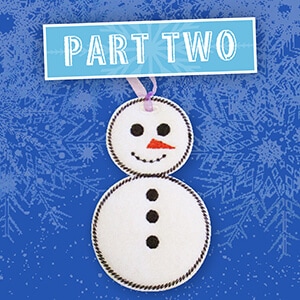

Embroidered Christmas ornaments are really easy to create with Hatch Embroidery software and can be personalized by adding some lettering or monograms, so everyone in the family can have their own ornament on the tree! In this blog article we take you STEP... more »
Personalized Christmas Tags & Ornaments with FREE Instructions & Embroidery Designs – Part 1
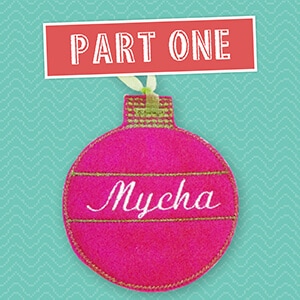
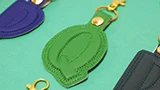
Embroidered gift tags that double as Christmas ornaments are a great way to add an extra touch to a special gift. They can be personalized with names or simply sewn for decoration. These customized tags are super quick and simple to create with Hatch Embroidery... more »
10 Paw-fect Embroidered Christmas Gifts For Your Furry Friends

Hatch Embroidery Software together with your embroidery machine, will let you produce unique and colorful pieces for yourself or your furry friends. Embroidery can be functional, beautiful and personal, so get inspired and amaze your friends and family... more »
Personalized Christmas Gifts For A More Festive Holiday Season
The festive season is almost upon us once again, so it is time to turn our attention towards those all-important gifts for family and friends. There is nothing quite like a handmade personalized gift. It is a fun way to get creative! Embroidery is a... more »
Spooktacular Designs Using Hatch Embroidery – FREE Halloween Designs
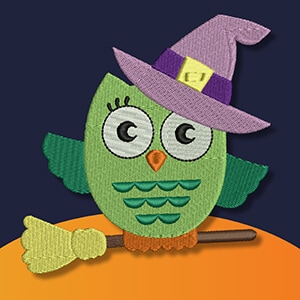
It is so easy to take a simple design and make it “Boo-tiful” with Hatch Embroidery! This week we are giving you two designs that we have taken from simple to exciting using special features and stitches in the Hatch Embroidery Software. We... more »
PINKing of You – FREE Embroidery Design & Video
We continue to find ways to help you promote Breast Cancer Awareness month. Last week we gave you several pink ribbon designs to stitch out in embroidery. This week we found a fun and effective campaign run by the American Breast Cancer Foundation. We... more »
Halloween Ornaments Project with FREE Instructions & Embroidery Designs
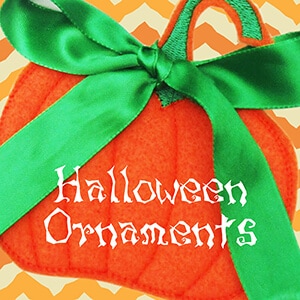
This Halloween Ornaments project by Kristie J. Smith is a simple tutorial to help you practice digitizing objects in the software. This project is fast, fun, and an easy way to create décor for the Halloween season. The digitizing tools in Hatch... more »
FREE Software Update for Hatch Embroidery 2 Users
Please note: This is a free software update for Hatch Embroidery 2 users only. Some of the features listed are for specific Hatch Embroidery levels. If you would like to add a feature, please upgrade your software today. Determine your Redwork start... more »
Create Memorable Embroidered gifts with PhotoStitch and PhotoFlash
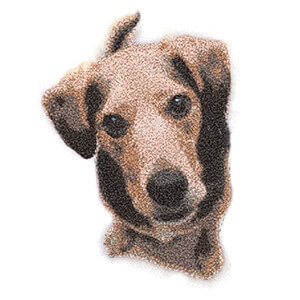
The Color PhotoStitch and PhotoFlash tools are used for auto-digitizing photographs and are located in the Auto-Digitize toolbox. You can create memorable embroidered gifts with PhotoStitch and PhotoFlash. Both colored and grayscale photos can be used.... more »
’Hatching’ a Quilt – Part 6 – Perfectly Pieced Block & Assembling Your Quilt

It’s the last installment of the Hatching a Quilt tutorial series, ’Hatching’ a Quilt – Part 6 – Perfectly Pieced Block & Assembling Your Quilt. I’m feeling very accomplished and also a little sad. I hope you have... more »
’Hatching’ a Quilt – Part 5 – Trapunto Block
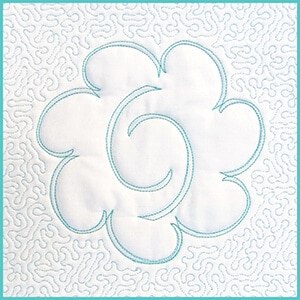
This week we’ll explore trapunto with ’Hatching’ a Quilt – Part 5 – Trapunto Block. Trapunto traditionally means to quilt with padding or puffiness. Old-school trapunto was done by pushing extra layers of yarn into a quilted... more »
’Hatching’ a Quilt – Part 4 – Continuous Quilting Block
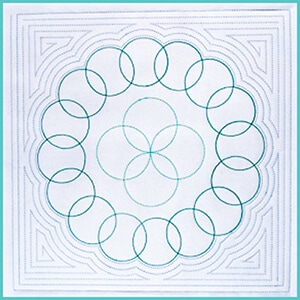
Wow, we are already on week 4 with ’Hatching’ a Quilt – Part 4 – Continuous Quilting Block. As a quilter, I love continuous quilting in the hoop because I get consistent quilting designs and consistent stitches, and it saves... more »
ITH Leaf Table Center by Allison Nash from Sweet Pea Machine Embroidery
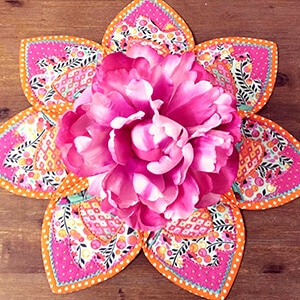
Embroidery machines have long been used to embroider on existing articles such as towels, hats etc. This blog "ITH Leaf Table Center by Allison Nash from Sweet Pea Machine Embroidery", will guide you through an ITH project from start to finish. One of the... more »
’Hatching’ a Quilt – Part 3 – Appliqué Block
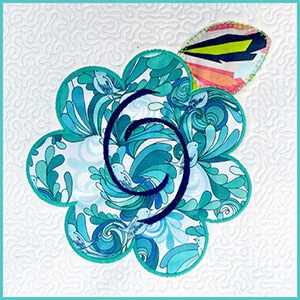
It’s week 3 of “Hatching a Quilt” tutorial series with ’Hatching’ a Quilt – Part 3 – Appliqué Block, and I’m super excited to explore appliqué with you this week. Appliqué is the art of... more »
’Hatching’ a Quilt – Part 2 – Fills, Thrills & Outlines Block
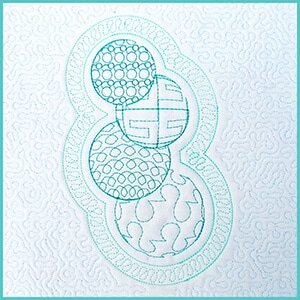
Welcome to block 2 of the ‘Hatching’ a Quilt tutorial series, ’Hatching’ a Quilt – Part 2 – Fills, Thrills & Outlines Block. I especially enjoyed the ‘Fills, Thrills, and Outlines’ block because I got... more »
Best Back-to-School Projects – Tutorials and FREE Designs

Just in case you missed them, we decided to put together a compilation of our best Back-to-School Projects – Tutorials and FREE Designs, perfect for those who have kids or grandkids heading back to school soon. We created a video series called... more »
’Hatching’ a Quilt – Part 1 – Monogram Block
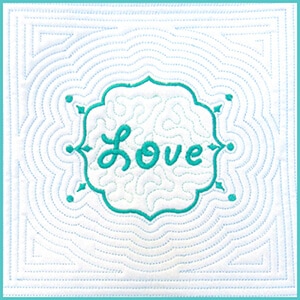
Have you always wanted to learn how to quilt but did not know where to start? Creating amazing-looking quilt blocks with Hatch Embroidery is really simple, and when it comes to creativity, the possibilities are endless, starting with... more »
Take Your Monogramming to the Next Level!
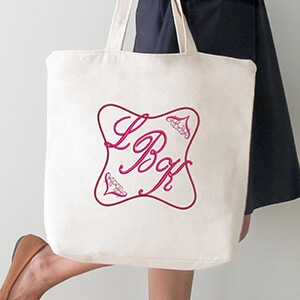
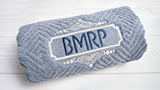
First things first. To create stunning monograms with Hatch Embroidery, it is important to learn how to use lettering with the software to take your monogramming to the next level! Lettering with Hatch Embroidery is simple but powerful! You can use a wide... more »
UPDATE 4 – NEW Improved Auto-Digitizing Is Here!
Update 4 is intended for installation with any released version (already installed) of Hatch Embroidery software 1.0. In case you missed it, it also includes previous updates. Follow the links here for previous release notes: Update 1 Update 2 ... more »
FREE Breast Cancer Awareness Ribbon Designs with Hatch

Did you know that breast cancer is the most common cancer and the second leading cause of cancer death among women worldwide? Use our FREE Breast Cancer Awareness Ribbon Designs with Hatch Embroidery to help raise awareness. October is all about raising... more »