
 Hatch Embroidery Digitizer
 Hatch Embroidery Composer
 Hatch Embroidery Personalizer
 Hatch Embroidery Organizer


















Categories
Welcome to the Hatch Embroidery Blog
Explore embroidery insights, tutorials, and more from our Hatch experts and real-world Hatchers!!
Isolation Inspiration from the UK
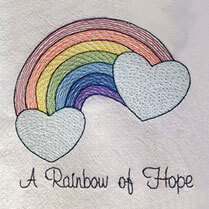

I wanted to find out what our blog contributors are up to in lockdown, and how they are coping with the isolation. Two wonderful UK artists got back to me straight away, and offered to share their story as well as their inspirational designs. I hope... more »
10 Best Ways to Use Scraps for more Sustainable Embroidery

You don’t have to buy a bunch of new materials each time you want to start a new project! By reusing your scraps for more sustainable embroidery, you can be kinder to the environment and , and save money and time. We collected the 10 best ideas on... more »
Celebrating St Patrick’s Day with Great FREE Embroidery Designs
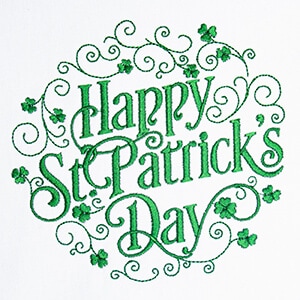
St Patrick’s Day is fast approaching and I wanted to create a nice new design to celebrate it. When I found the artwork, I thought it would be perfect to show you how you can digitize your own lettering using the fantastic Digitize Blocks tool.
Creating Contemporary Art with Hatch
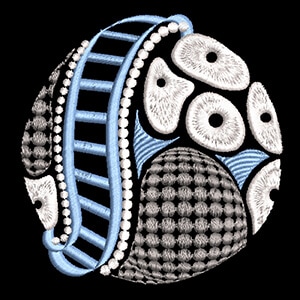
From the moment I first laid eyes on Susan Hensel’s work, I was mesmerized. The pieces she creates and the way she uses Hatch Embroidery to bring them to life are truly unique. I simply had to find out more about this amazing artist. I contacted... more »
Combining Designs with Any Level of Hatch
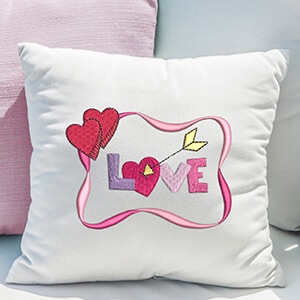
Combining multiple embroidery designs into one is easy with any level of Hatch Embroidery software. I created this example to show you how good this feature is when you are working with existing designs and want to combine them for a new one. I took two... more »
Learn About Hatch Embroidery Auto-Digitizing
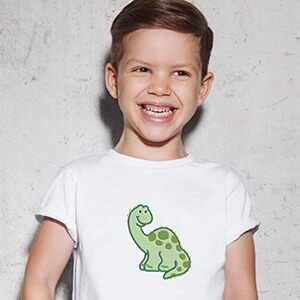
One of the key features of Hatch Embroidery Software is Auto-Digitizing which enables you to turn bitmap or vector images into embroidery designs with just a few clicks. You can find the toolbox on the left side in your software. There are a... more »
Manual Digitizing with Hatch Embroidery
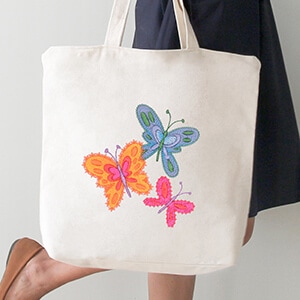
Before you can learn to master manual Digitizing with Hatch Embroidery, you need to learn what embroidery digitizing is. There is nothing more rewarding than creating your own embroidery designs and seeing your projects all the way through from design to... more »
Elastic Embossed Fills & Color Variations on a Theme
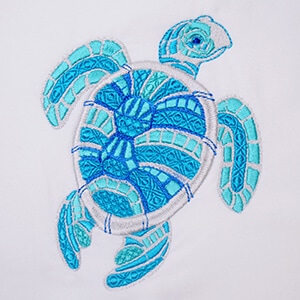
Hatch Embroidery Digitizer comes with 105 different Embossed fills and they can be used to create Elastic Embossed Fills. It is a beautiful decorative effect where the pattern follows the stitch angle and it adjusts to the width of the embroidery object.... more »
Using Lettering for Quotes and Sayings with Hatch Embroidery, Plus Bonus FREE Designs

Embroidering inspirational or funny quotes and quirky sayings on cushion covers, tea towels, or tote bags is a fun way to start off your machine embroidery journey. Hatch Embroidery Digitizer comes with 124 fonts, Hatch Embroidery Composer with 72 fonts, and... more »
Editing Your Lettering for a Personalized Gift
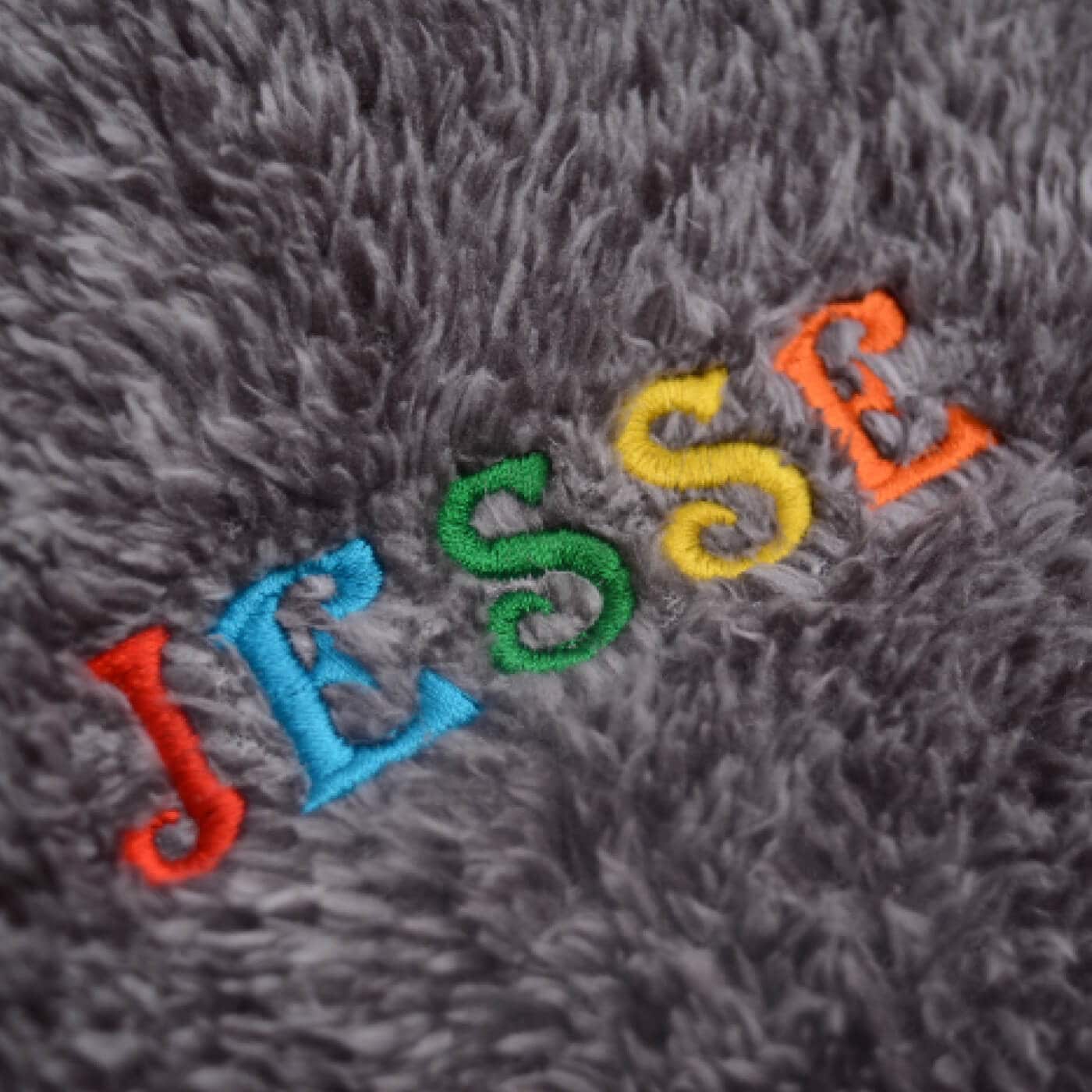
Did you know you can very easily edit the fonts that are included in your Hatch Embroidery software for customized embroidery lettering? You can change the size, color, shape, fill type and spacing of your lettering. You can also add special effects or... more »
How to Sequence Your Designs with Hatch Embroidery
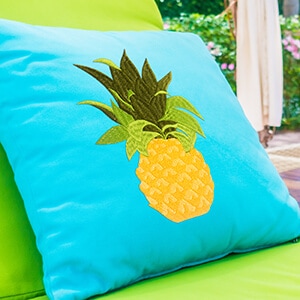
In the Northern Hemisphere it is the height of summer, while in the Southern Hemisphere people are dreaming of tropical holidays, trying to stick winter out by eating imported fruit.:) I absolutely love pineapples, not just the fruit itself, but the... more »
Digitizing the Patriotic Star Embroidery Design
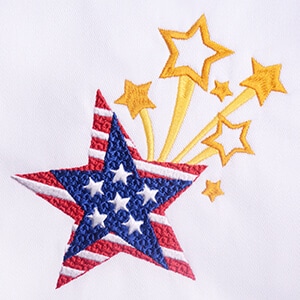
This was probably one of my fastest embroidery designs ever. An idea popped in my head in one of our planning meetings, and I knew almost exactly how I wanted the 4th of July Patriotic Star design to look with the two main stars on the top of each other... more »
Cheers to Father’s Day
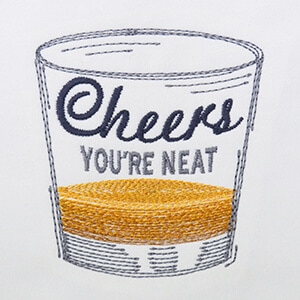
Laura, our beautiful graphic designer is a Scottish lass. True to her home country, and the drink that is so popular over there, she drew and digitized this whisky glass embroidery design for a cheerful Father’s Day gift. Cheers to Father’s Day... more »
The ’Bird’ Behind the Birds plus FREE Cockatoo Design
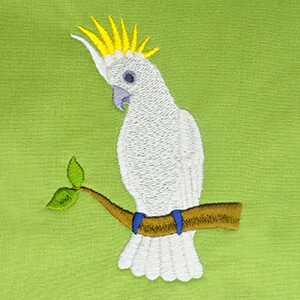
This week we bring you the inside ‘swoop‘ on Bernadett. She is responsible for all the incredibly rich content delivered each week on our Hatch Embroidery blog, and since everyone has been raving about the Australian bird life that she... more »
Embroidery Machine vs Sewing Machine
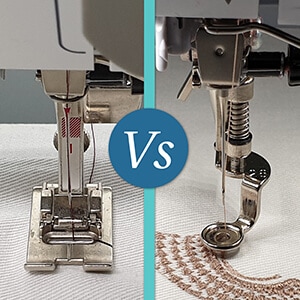
While the same principal technology of two threads being looped together is used in both sewing machines and embroidery machines, there are some differences between them. At a glance the most obvious difference is that a sewing machine has a flat presser... more »
Sunglasses Case – FREE ITH Project by Caroline Critchfield
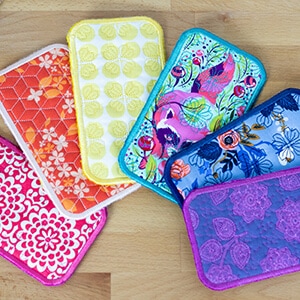
Our regular blog contributor Caroline Critchfield from SewCanShe.com came up with a wonderful Mother’s Day gift idea, an in-the-hoop sunglasses case design, and we were thrilled. It is not only a fabulous and practical gift, but a great way... more »
Beginners Guide to Machine Embroidery
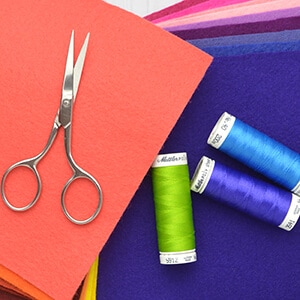
As a beginner who is just starting out or thinking about getting into machine embroidery, you will have a lot of questions buzzing in your head right now. It is often hard for beginners to find all the answers in one place and research can become a... more »
Create Amazing Designs Quick and Easy with the Layout Tools
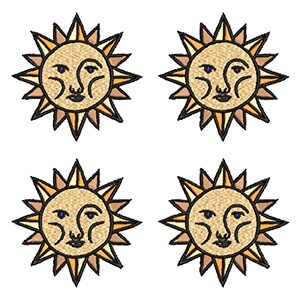
Layout tools are available with Hatch Embroidery Digitizer and Hatch Embroidery Composer. They provide endless possibilities to create truly amazing designs. They also save you so much time when you need to place duplicates of the same object or design... more »
The Wonderful World of Motif Fills
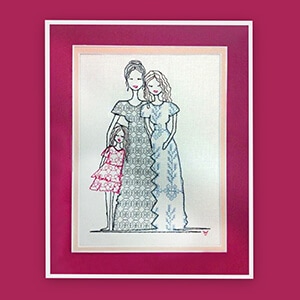
I was so excited to be collaborating with the beautiful Nicola Elliott again! Nicola offered to draw and digitize something special just for us for Mother’s Day and I grabbed the opportunity with both hands! Firstly it gave me a chance to talk... more »
The Best Embroidery Software
No matter if you are an absolute beginner or a seasoned machine embroidery veteran looking for a new embroidery software, the right product is out there waiting for you. When you are looking for the best embroidery software, the most important... more »