
 Hatch Embroidery Digitizer
 Hatch Embroidery Composer
 Hatch Embroidery Personalizer
 Hatch Embroidery Organizer





















Categories
Why Upgrade to Hatch Embroidery Digitizer 4?


Table of Contents
- 1. Create More Realistic Designs with Multi Blend
- 2. Smarter, More Flexible Appliqué
- 3. Save Time with Continue Digitizing
- 4. Built-In Help with AI Answers
- 5. Faster, Smoother Workflows Everywhere
- 6. Wireless Transfers to Compatible Brother Machines
- 7. Better Quality Stitch-Outs
- Is Hatch Embroidery 4 Worth the Upgrade?
- How to Upgrade
- FAQs
- ⭐⭐⭐⭐⭐
- The definitive choice when selecting embroidery software for your home embroidery business.
If you already use Hatch Embroidery, you might be wondering: Is Hatch Embroidery 4 really worth upgrading to? The short answer is yes, especially if you want faster workflows, more creative flexibility, and tools that make digitizing feel smoother and more intuitive.
Hatch Embroidery 4 is more than just a routine update. With over 25 new and enhanced features, it introduces meaningful improvements across digitizing, appliqué, stitch quality, workflow efficiency, and machine connectivity. Whether you embroider for fun, run a home embroidery business, or digitize professionally, Hatch 4 is designed to help you create more, refine faster, and stitch smarter.
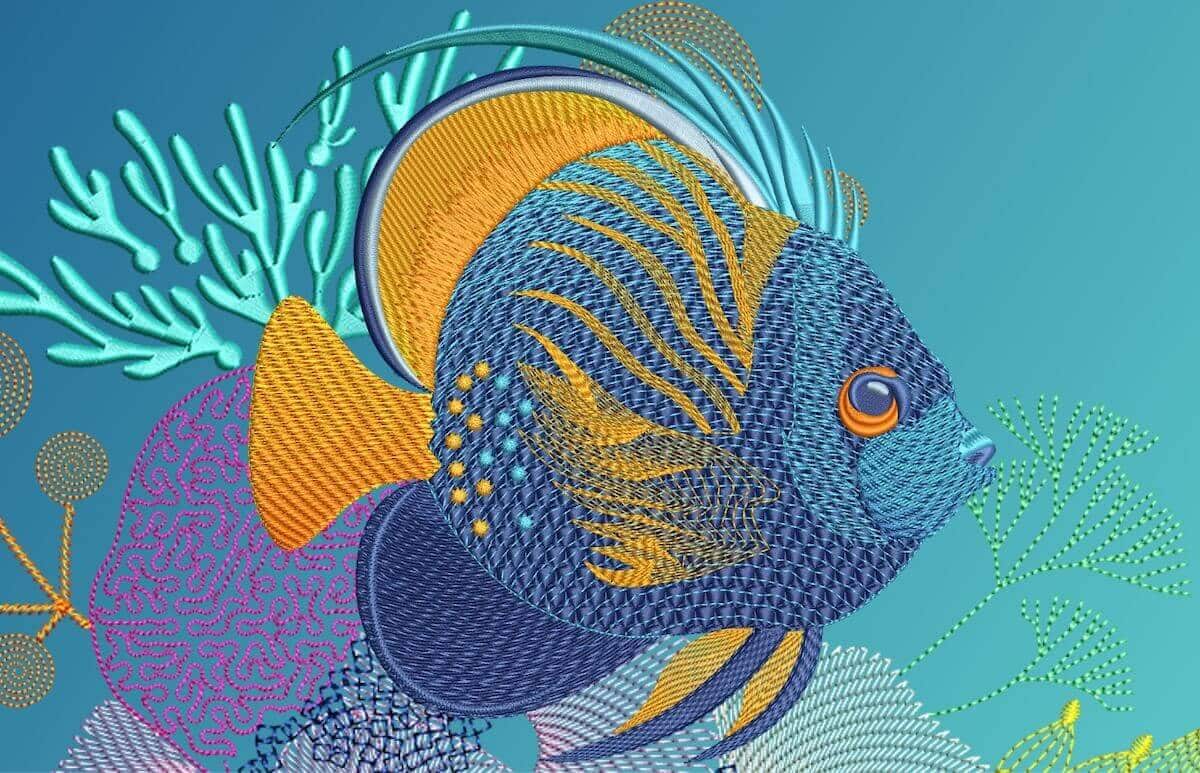
One of the standout reasons to upgrade is the brand-new Multi Blend feature. If you’ve ever wanted to create smoother gradients, realistic shading, or richer embroidery effects, this tool changes the game.
In previous versions, creating blended effects often meant layering multiple embroidery objects and manually adjusting stitch settings. With Hatch 4, you can now create smooth color transitions and shading inside a single editable object, making the process faster and much easier to refine.
This is especially useful for:
- Florals and nature-inspired designs
- Realistic embroidery shading
- Artistic fills and dimensional effects
- Detailed custom digitizing projects
For creative embroiderers, this alone can completely transform how designs are built.
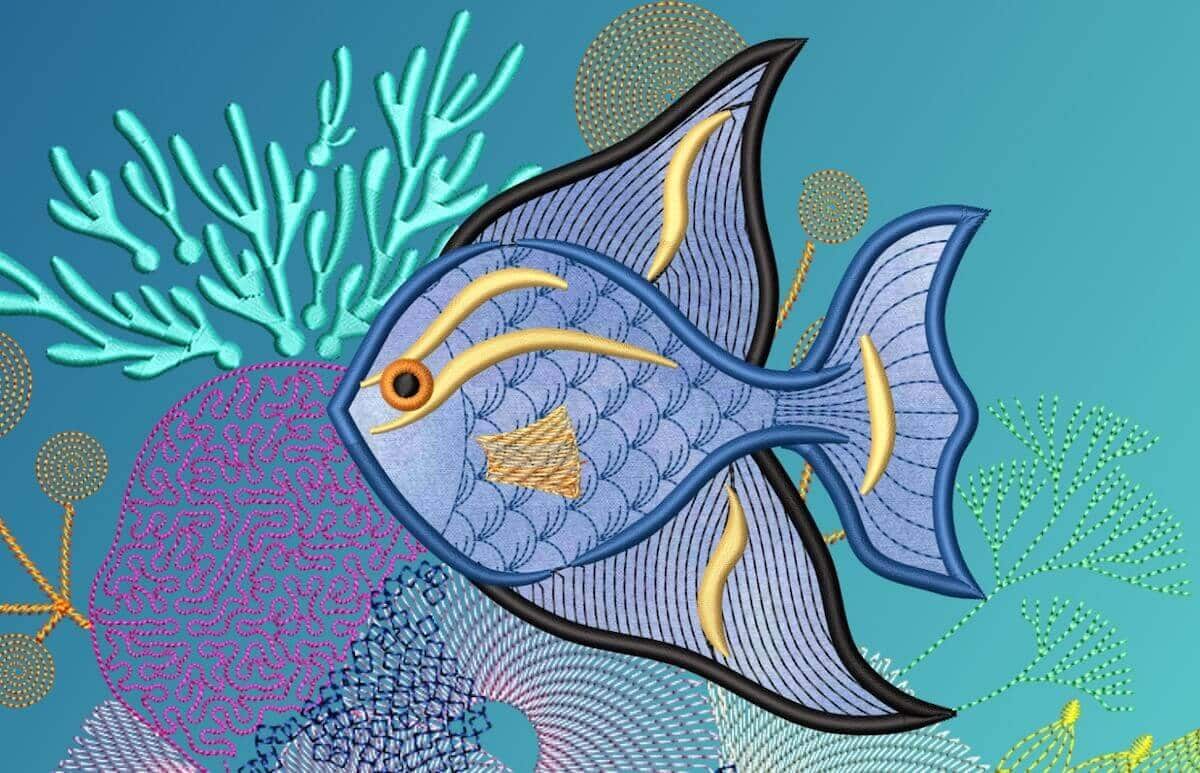
If appliqué is part of your embroidery workflow, Hatch 4 delivers one of the biggest upgrades yet with Advanced Appliqué.
Instead of being limited to simple closed shapes, you can now work with open and closed objects, convert existing embroidery designs into appliqué more easily, and enjoy a more flexible creative process. Hatch also simplifies placement and tackdown stitching, helping you move from design to stitch-out faster.
Combined with improved appliqué pattern printing - including mirrored and placement templates -this update makes appliqué projects far easier to manage from start to finish.
Every digitizer knows the frustration of finishing an object only to realize it needs extending.
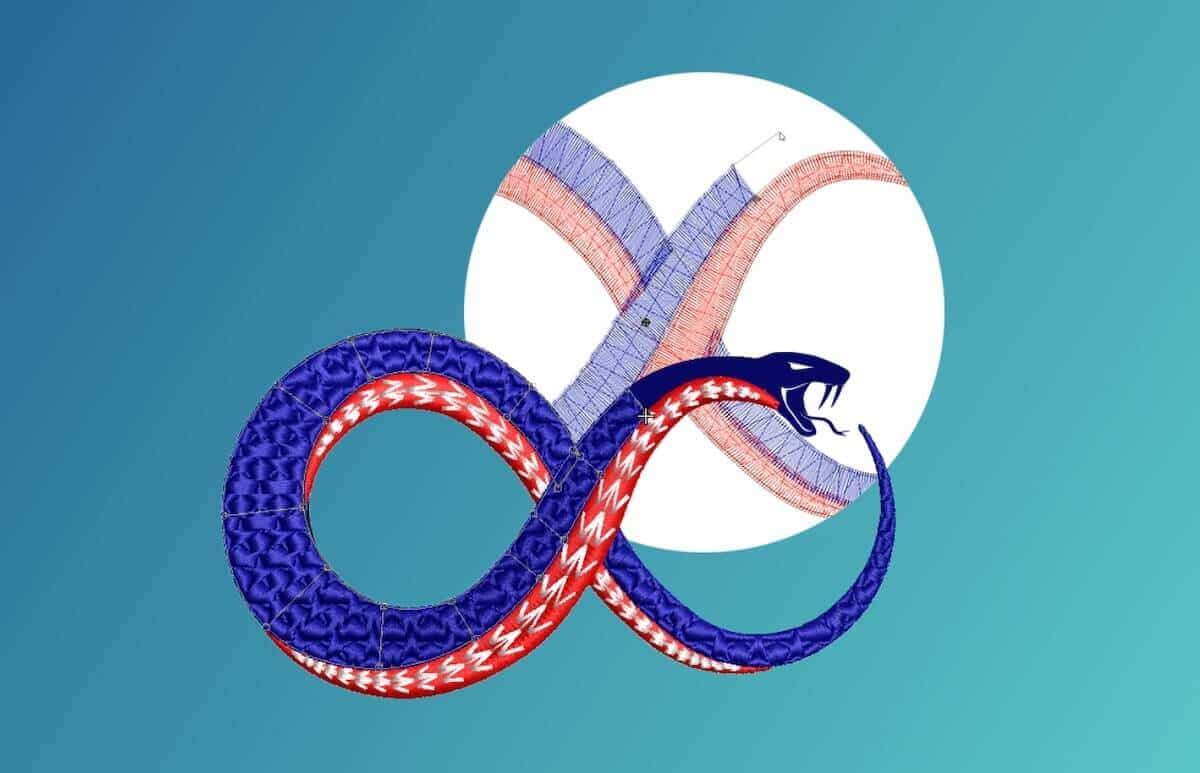
That’s where Continue Digitizing comes in.
Instead of starting over or rebuilding sections manually, Hatch 4 allows you to continue digitizing directly from the last node of an object. This creates cleaner joins, smoother stitch paths, and a far more natural editing experience.
It may sound like a small change, but for frequent digitizers, it can save serious time and reduce repetitive work.
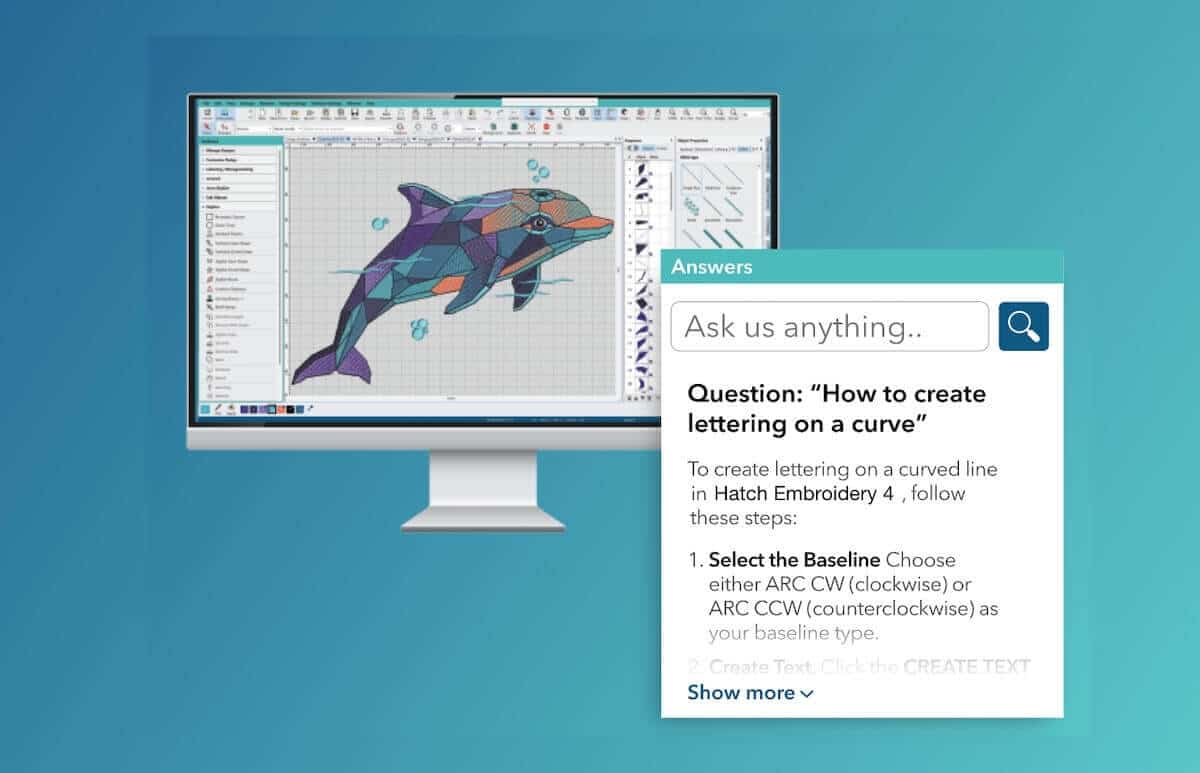
Learning embroidery software can sometimes feel overwhelming, especially when trying to solve technical digitizing questions mid-project.
Hatch 4 introduces AI Answers, a built-in embroidery assistant designed to provide instant guidance directly inside the software. Instead of stopping your workflow to search online or browse tutorials, you can ask questions and get contextual embroidery help while you work.
For beginners, this helps reduce the learning curve. For experienced embroiderers, it means spending less time troubleshooting and more time creating.
Sometimes the best upgrades are the ones that quietly save time every day.
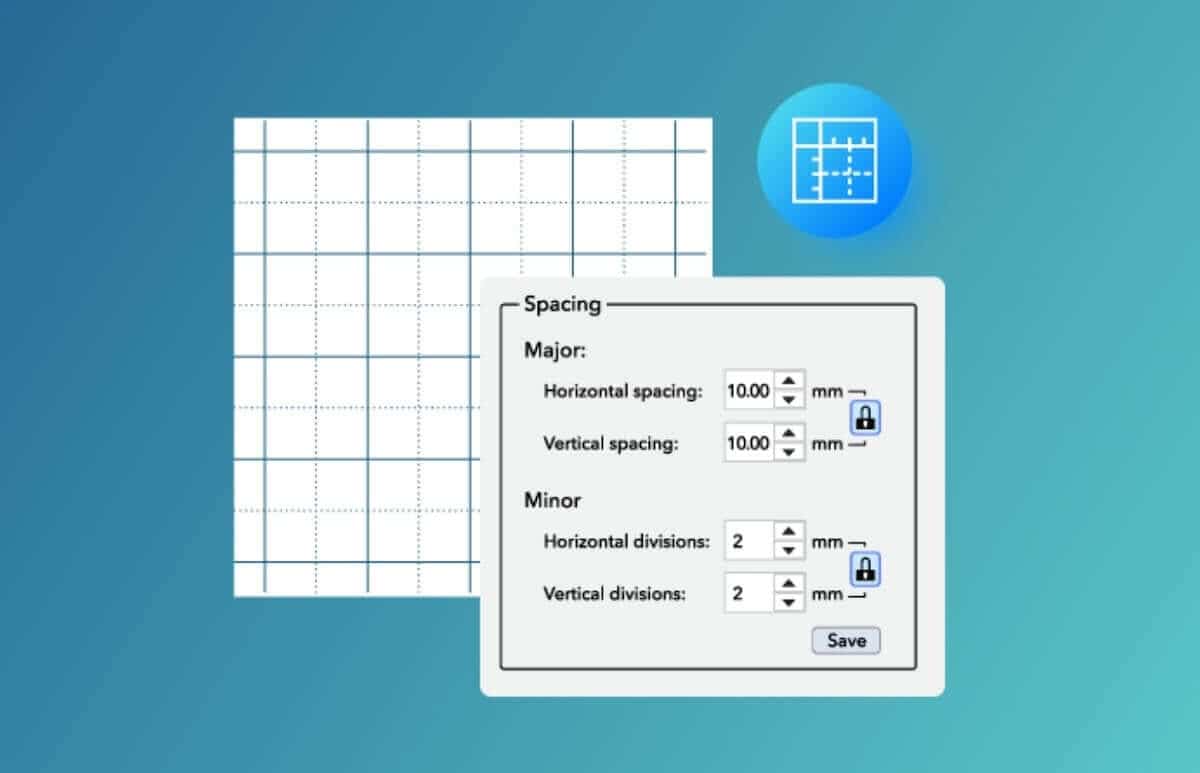
Hatch 4 includes a range of workflow enhancements that improve precision, editing, and navigation throughout the software, including:
- Improved Grids, Guides & Snap for easier alignment
- Enhanced Control Point Display for clearer editing
- Better Design Explorer navigation
- Smarter Automatic Connectors & Trims for cleaner stitch paths
- Improved Display Colors and stitch previews for better visibility
Individually, these may seem like smaller improvements. Together, they make Hatch 4 feel noticeably faster and more polished.
One of the most practical additions in Hatch Embroidery 4 is Wireless Transfer for compatible Brother embroidery machines.
Instead of saving files to USB drives or memory sticks, you can send designs directly to supported machines over Wi-Fi. This creates a smoother workflow between designing and stitching, particularly useful for home embroidery businesses and busy creators working on multiple projects.
For embroiderers juggling production or custom orders, small time-savers like this add up quickly.
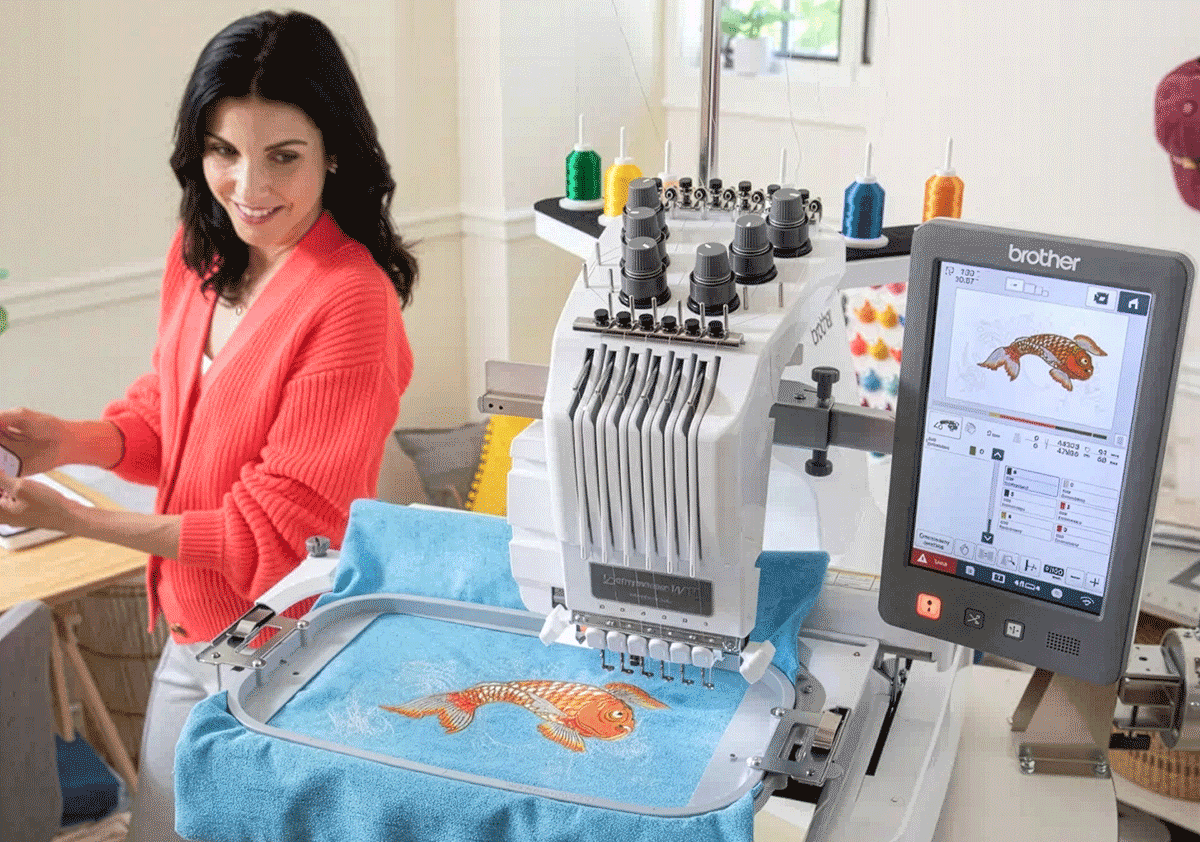
At the end of the day, embroidery software is about results.
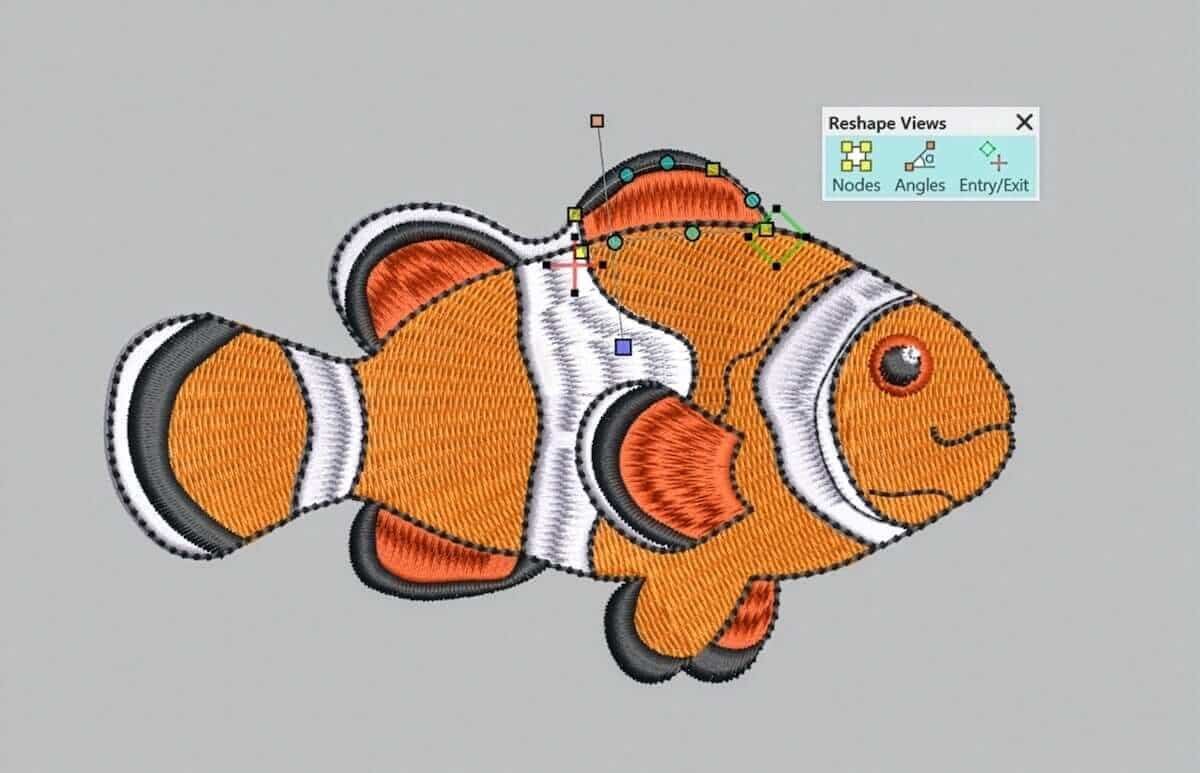
Hatch 4 introduces enhancements designed to improve stitch quality and give users more confidence before stitching, including improved connector and trim displays, enhanced gradient fill profiles, and better stitch visualization tools. These updates make it easier to preview how a design will sew before it ever reaches the machine.
 |  |  |  |
| Hatch Academy over 500 FREE lessons for software owners | 30-Day FREE Trial all the tools & features | Money-Back Guarantee ease of mind | FlexPay monthly installments |
The definite choice when selecting embroidery software
Hatch Embroidery software is a comprehensive embroidery design solution that offers a range of tools and features for both beginners and seasoned embroiderers.
Here’s why it's a great choice:
- User-Friendly Interface: The software is designed with a user-friendly interface that makes it easy for anyone to start creating beautiful embroidery designs, regardless of their experience level.
- Powerful Editing Tools: It provides powerful editing tools that allow users to resize, edit, and adjust embroidery designs with precision. This is essential for businesses that need to customize designs according to specific customer requirements.
- Wide Range of Formats Supported: Hatch Embroidery supports a wide range of machine file formats, making it versatile for use with different embroidery machines. This flexibility is crucial for businesses operating with multiple machine types.
- Professional Quality: The software generates professional-quality stitches, ensuring that the end products are of high quality, which is vital for maintaining customer satisfaction and business reputation.
- Extensive Design Features: With features like auto-digitizing, lettering, monogramming, and even special effects, businesses can offer a wide range of embroidery services, increasing their market appeal and potential revenue streams.
- Regular Updates and Support: Hatch provides regular software updates and robust customer support, ensuring that businesses can always access the latest features and get help when needed.
Overall, Hatch Embroidery software equips you with the tools necessary to create stunning, high-quality embroidery designs efficiently and effectively, enhancing productivity and customer satisfaction.
Related Articles

New and Improved Hatch Academy
Recently, Hatch Academy received a major refresh to make navigating courses easier than ever. The revamped... more »

Discover the Top 10 New Features in Hatch Embroidery 4
Multi Blend introduces a completely new way to create smooth gradients, shading, and color transitions... more »

Turn Small Projects into Big Sellers with Hatch
In the world of home-based embroidery businesses, small details often make the biggest difference.... more »
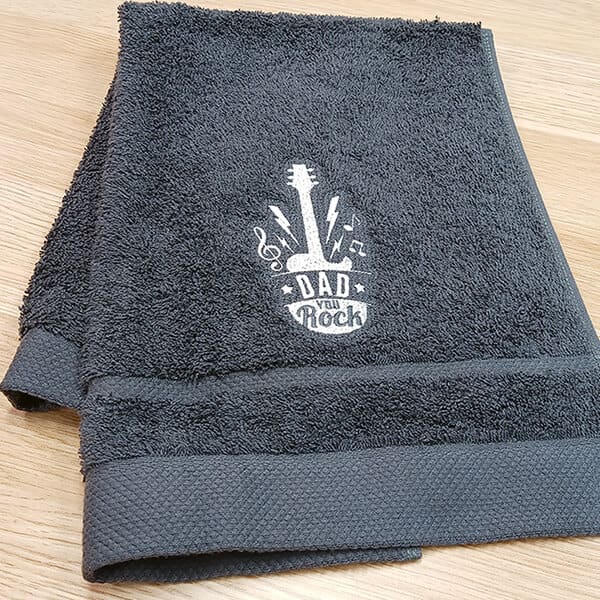
Top 10 Expert Tips for Successfully Embroidering on Towels
Terry toweling is a favorite among embroiderers because it’s easy to find, can be used in many... more »